
Guide
Phone Problems and Fixes: Battery, Storage, Speed and More
Most phone problems have simple causes: a worn cable, a full storage, an app running in the background or a setting that changed after an update. This guide collects our step by step explainers for the issues people search for most.
Each article starts with a short answer, then walks through the fixes from easiest to hardest, for both iPhone and Android.
- 25 explainers
- About 130 min of reading
- Fact checked
- Updated November 18, 2026
- Read the full explainer
Short answer
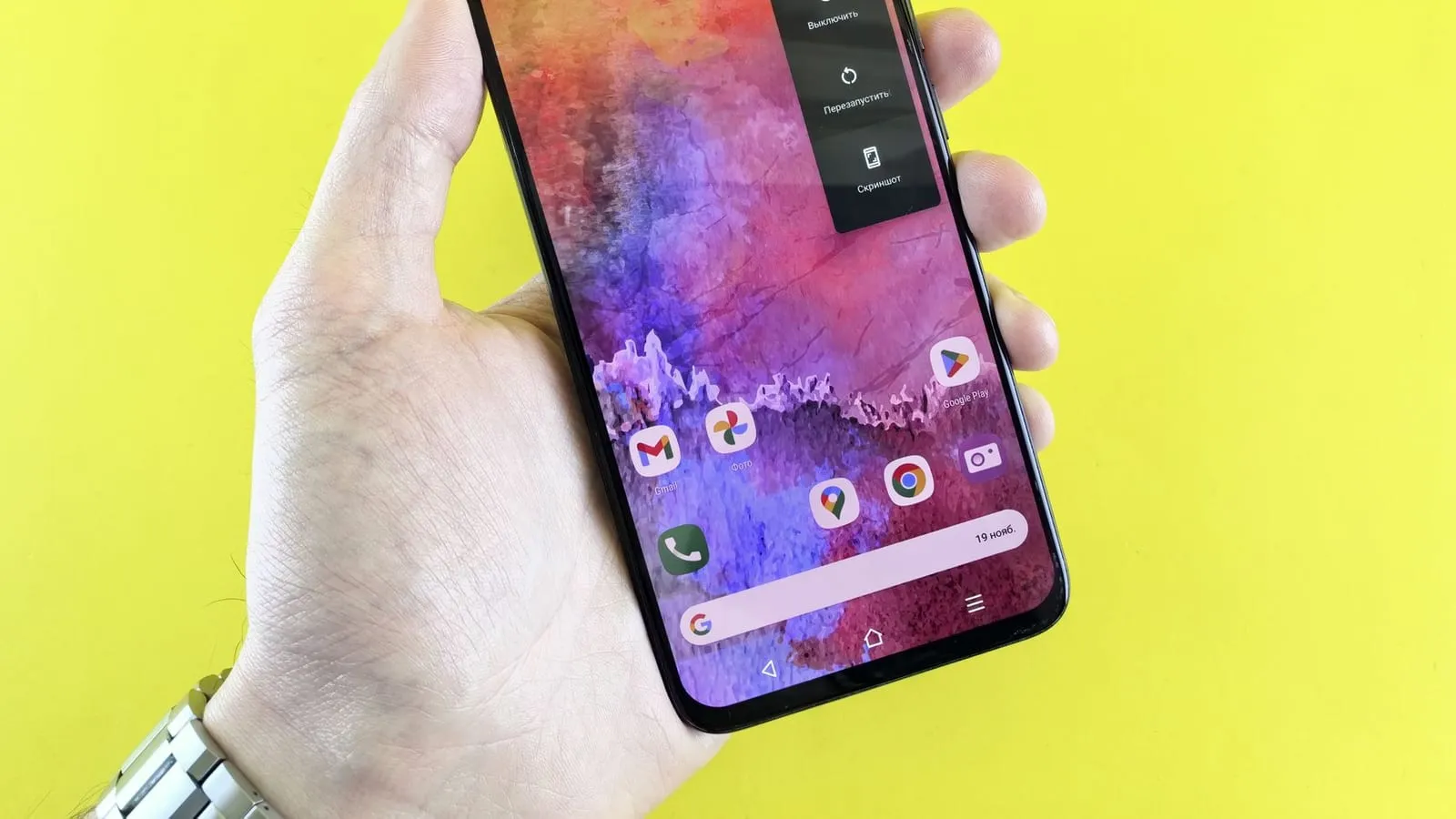
Restart your Samsung phone or tablet. You can also turn off Safe Mode by swiping down to open the notification panel, tapping the 'Safe mode is on' notification, and then selecting 'Turn off'.
- Read the full explainer
Short answer
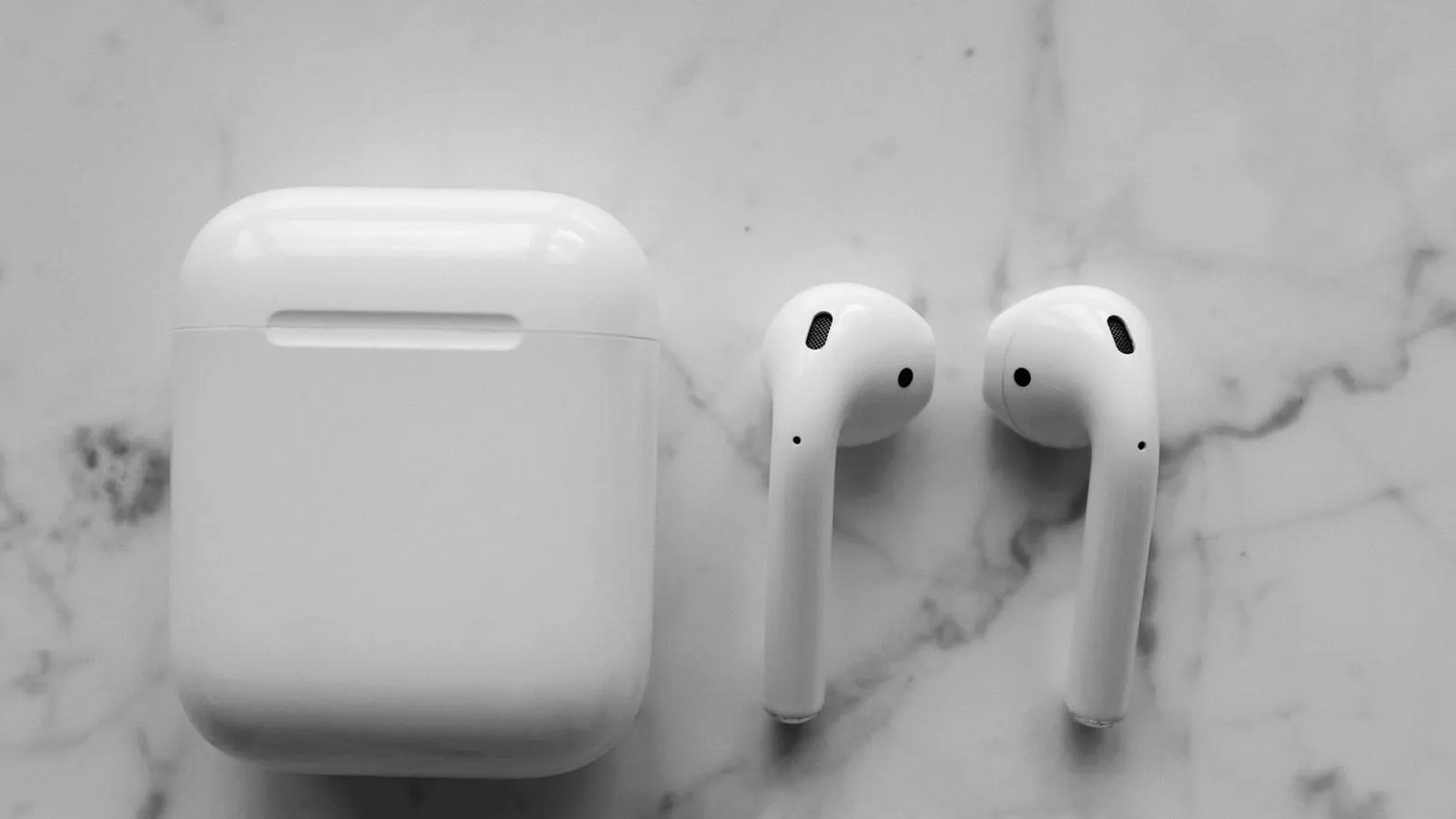
An orange or amber light on your AirPods case means that either the case itself or the AirPods inside have less than one full charge remaining. It's an indicator that you need to charge them soon. A blinking white light, however, means…
- Read the full explainer
Short answer
Your messages are sending as green texts because they are being sent as standard SMS or MMS messages, not as iMessages. This can happen if the recipient doesn't have an Apple device, if iMessage is turned off on either phone, or if…
- Read the full explainer
Short answer
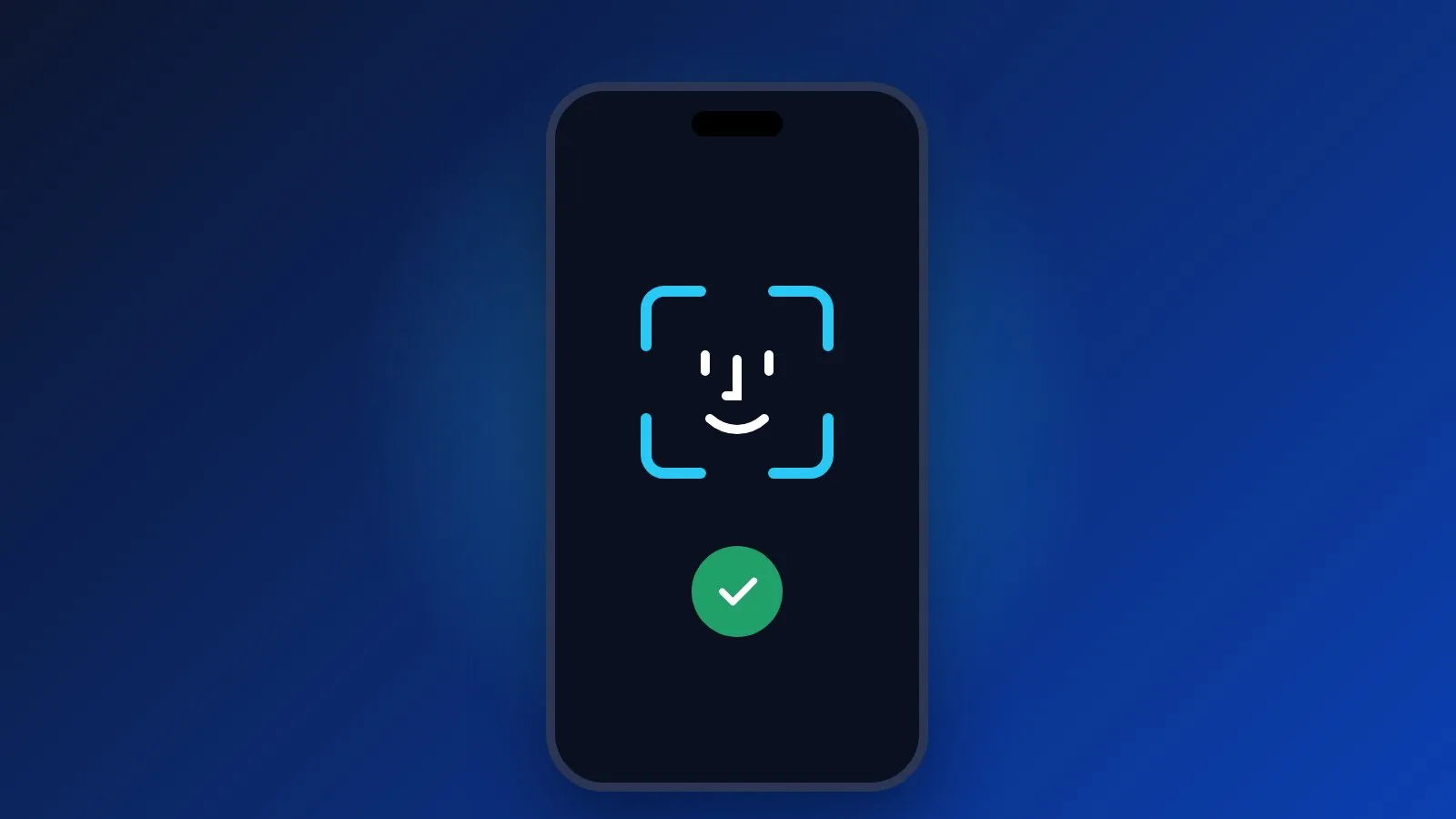
Face ID may not be working because something is blocking the camera, your iOS is outdated, or a security feature has temporarily disabled it. Simple fixes include cleaning the camera area, restarting your iPhone, and checking your Face…
- Read the full explainer
Short answer
Your Android phone might be charging slowly due to issues with your charging cable or adapter, a dirty charging port, or a weak power source. Background apps, phone overheating, and an aging battery can also significantly impact…
- Read the full explainer
Short answer
Android apps often crash due to issues like insufficient device memory or storage, unstable network connections, and unhandled software errors within the app itself. These crashes can also stem from outdated app versions or system…
- Read the full explainer
Short answer
If your phone's time didn't change automatically after Daylight Saving Time (DST) ended, it's usually because the 'Set Automatically' or 'Automatic date and time' setting is off. This feature uses your mobile network or internet…
- Read the full explainer
Short answer
You can transfer most data, including apps, contacts, messages, and settings, to a new Android phone during its initial setup. This usually involves connecting both devices via Wi-Fi or a cable and following on-screen instructions to…
- Read the full explainer
Short answer
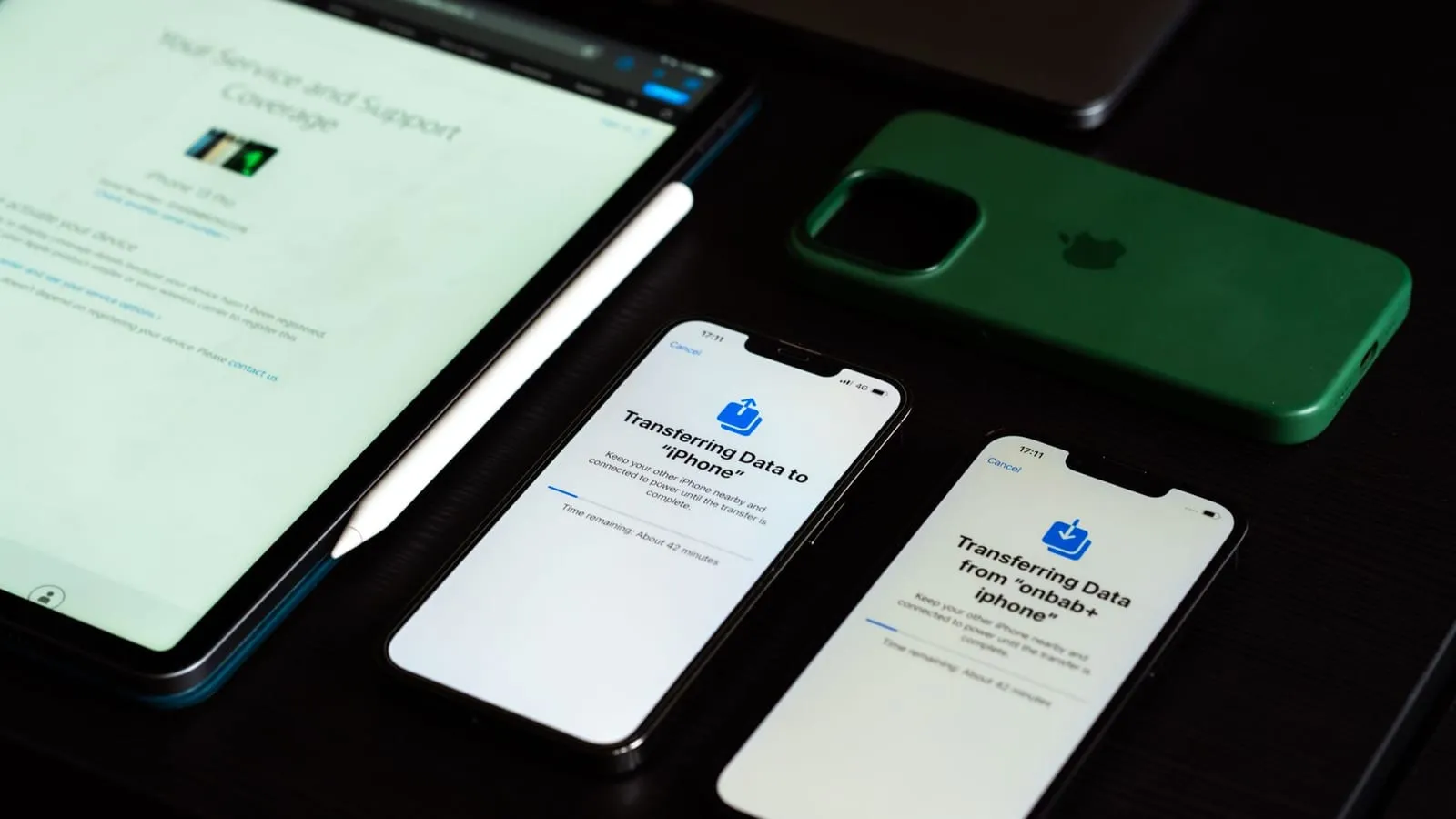
You can transfer everything from your old iPhone to a new iPhone using Quick Start, which allows direct device-to-device migration or downloading from iCloud. Other methods include restoring from an iCloud backup or a backup made with…
- Read the full explainer
Short answer
You can set up parental controls on an Android phone or tablet using two main methods: the device's built-in settings or the Google Family Link app. Both options allow you to manage screen time, set app limits, and filter content,…
- Read the full explainer
Short answer
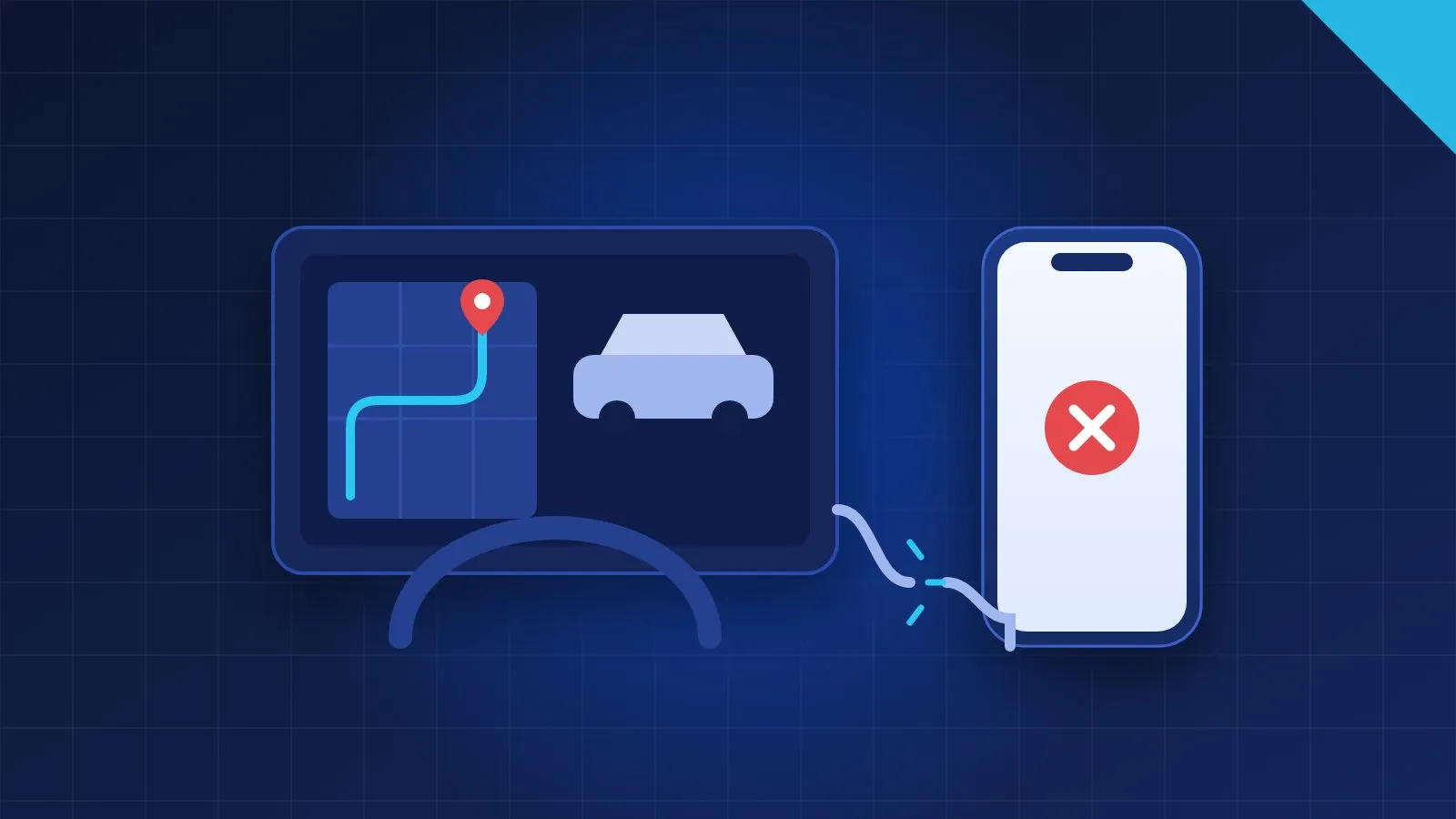
Android Auto keeps disconnecting because of issues like a faulty USB cable, loose or dirty ports, outdated phone or car software, battery restrictions, or wireless interference.
- Read the full explainer
Short answer
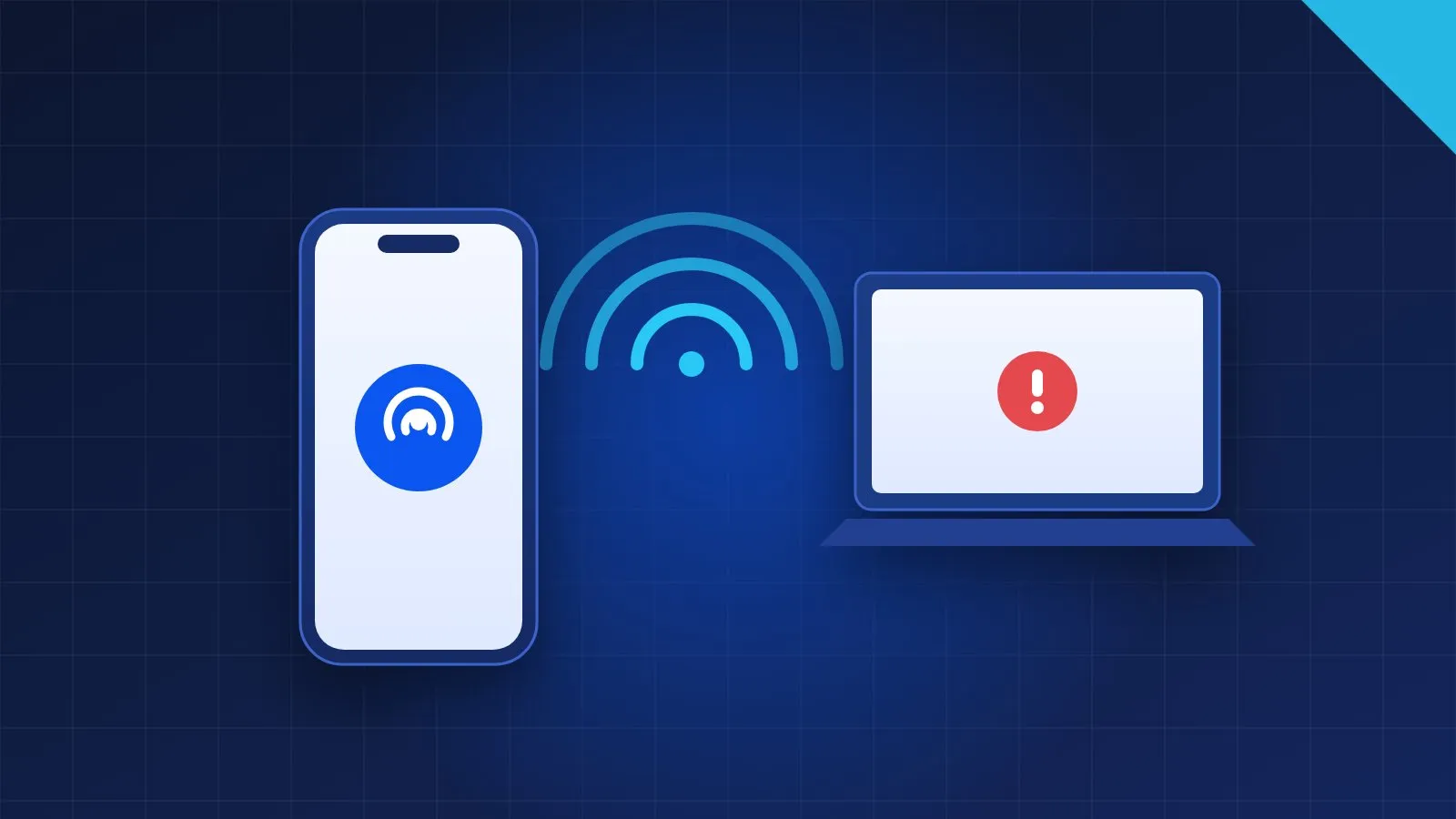
Your iPhone hotspot might not be working due to incorrect settings, carrier restrictions, or software glitches. Common fixes include restarting devices, checking your cellular plan, and ensuring your iPhone's software is up to date.…
- Read the full explainer
Short answer
To turn off your iPhone, the method depends on your model. Newer iPhones (X, 11, 12, 13, and later) require holding a volume button and the side button. Older models use either the side or top button. You can also turn off an iPhone…
- Read the full explainer
Short answer
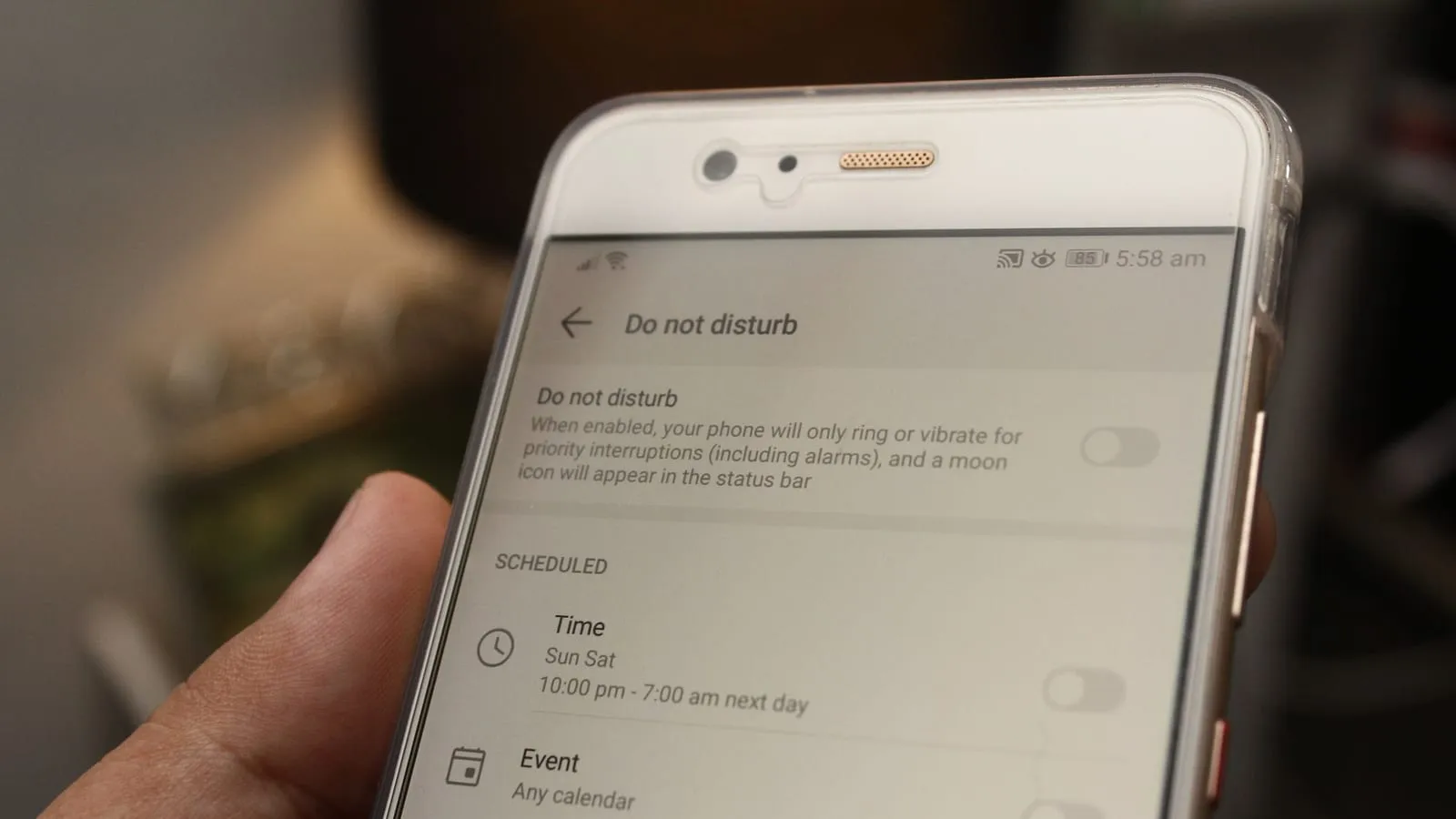
Your iPhone might not be ringing because it's in silent mode, Do Not Disturb, or a Focus mode. Other common reasons include blocked numbers, silent ringtones, or issues with connected Bluetooth devices or CarPlay. Checking these…
- Read the full explainer
Short answer
If your iPhone is stuck on the Apple logo, first try a force restart. If that doesn't work, you'll likely need to put your device into recovery mode and connect it to a computer. This process allows you to update the iOS without…
- Read the full explainer
Short answer
Android Auto may not be working due to a faulty or incompatible USB cable, dust in your phone's USB port, or an outdated Android version. Your car's infotainment system also needs to be compatible, and you require an active data plan…
- Read the full explainer
Short answer
To stop pop-up ads on your phone, first check your browser settings to block them by default. If ads persist, identify and uninstall any recently installed third-party apps that might be generating them. You should also review and…
- Read the full explainer
Short answer
True phone viruses are rare, but other malware is common. Warning signs include apps you didn't install, pop-up ads outside your browser, unexplained data use, and texts or charges you didn't make. Remove unknown apps, run Play Protect…
- Read the full explainer
Short answer
To free up storage on your iPhone, you can optimize photos and videos, offload rarely used apps, and clear cached data. Managing both device and iCloud storage helps keep your iPhone running smoothly.
- Read the full explainer
Short answer
You can speed up videos on your iPhone using two main methods. For videos recorded with the Slo-Mo feature, you can adjust their speed directly in the Photos app. For regular videos, the free iMovie app allows you to increase playback…
- Read the full explainer
Short answer
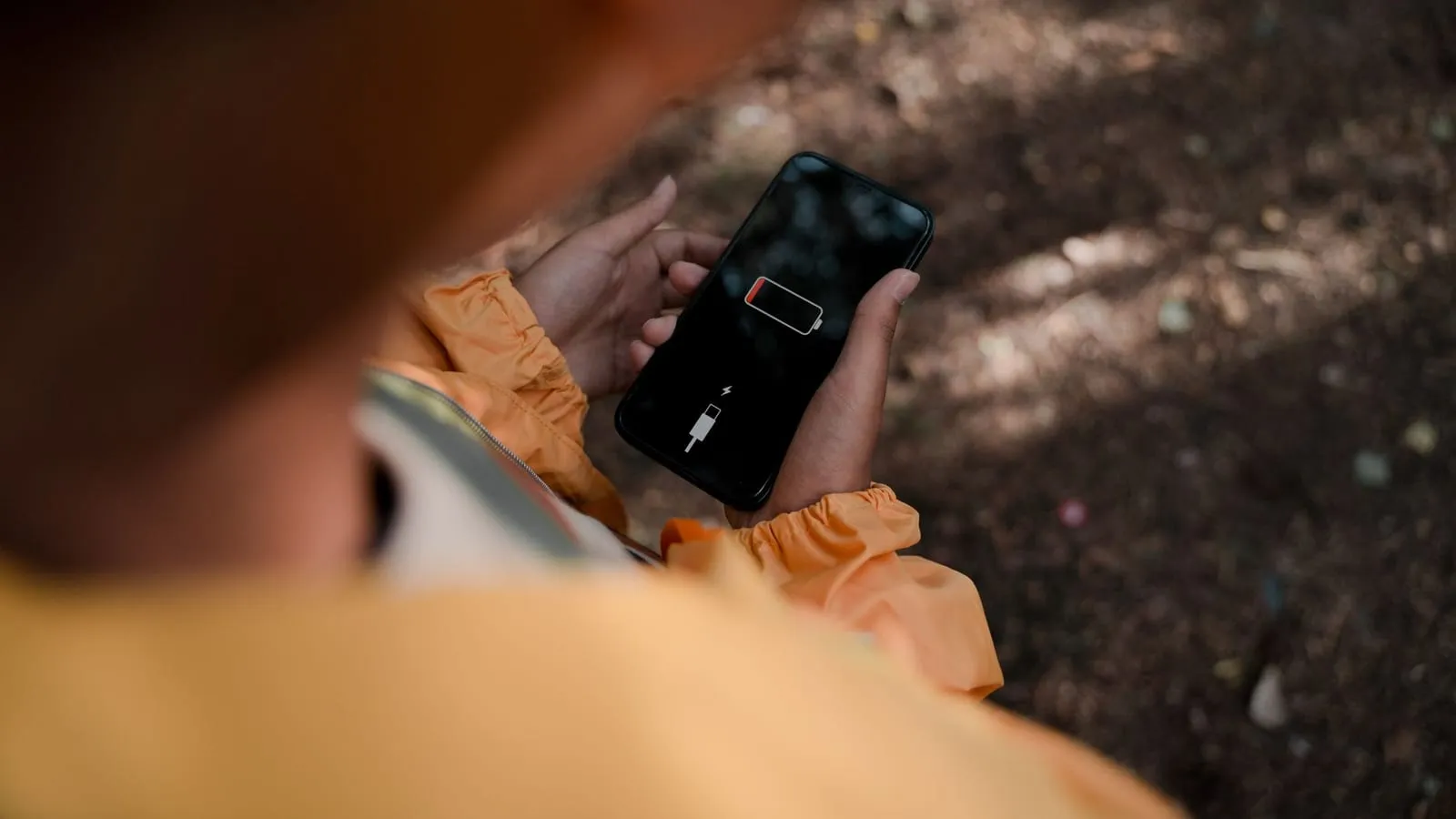
Your phone battery drains fast because of screen brightness, apps running in the background, a weak network signal, heat, or an aging battery. Check the battery usage screen to find the cause, then adjust settings or replace a worn battery.
- Read the full explainer
Short answer
Phones can slow down for several reasons, including low storage space, too many apps running in the background, an outdated operating system, or a weak internet connection. An aging battery or even malware can also contribute to…
- Read the full explainer
Short answer
When your phone shows "SOS" or "SOS only," it has lost its regular cellular network but can still make emergency calls through other available networks. Toggling Airplane Mode, restarting and checking your SIM fixes most cases.
- Read the full explainer
Short answer
To free up storage on your phone, start by checking your device's storage settings to identify what's taking up the most space. Then, delete large files, unused apps, and old messages. You can also move photos and videos to cloud…
- Read the full explainer
Short answer
To properly back up your phone, you should use either cloud services like Google Account or iCloud, or connect your device to a computer. Cloud backups can be automatic, while computer backups give you more direct control over file…

More guides
Every explainer is checked against the sources listed at its end. How we work.