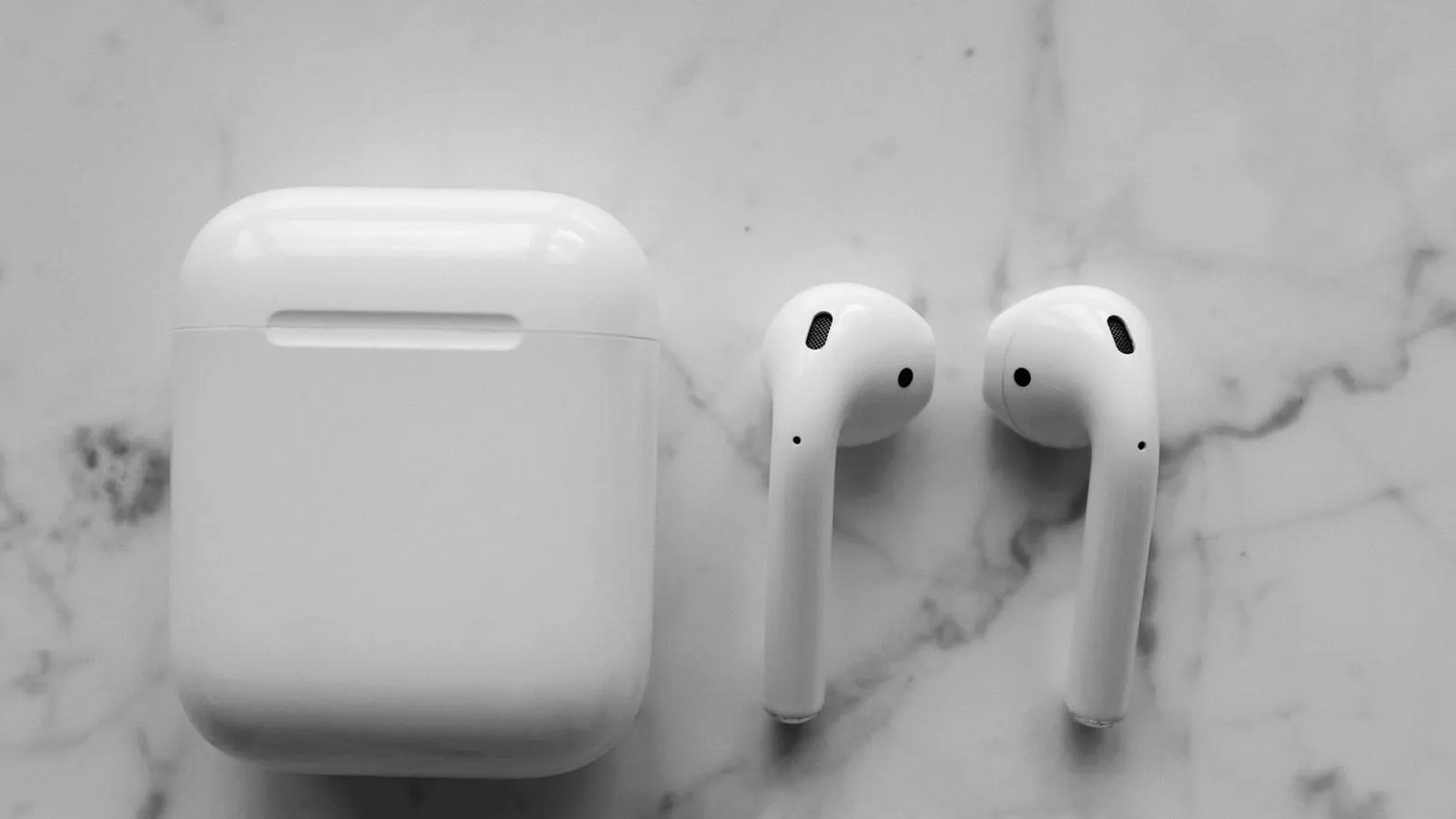
How To Guides An AirPods case blinking orange or amber usually means it needs charging. Learn what each light means, how to charge your case, and what to do.
November 18, 2026 · 2 min read
How To Guides A green bubble means your iPhone sent the message as SMS, MMS or RCS instead of iMessage. Learn the common causes and how to get blue bubbles back.
November 18, 2026 · 3 min read
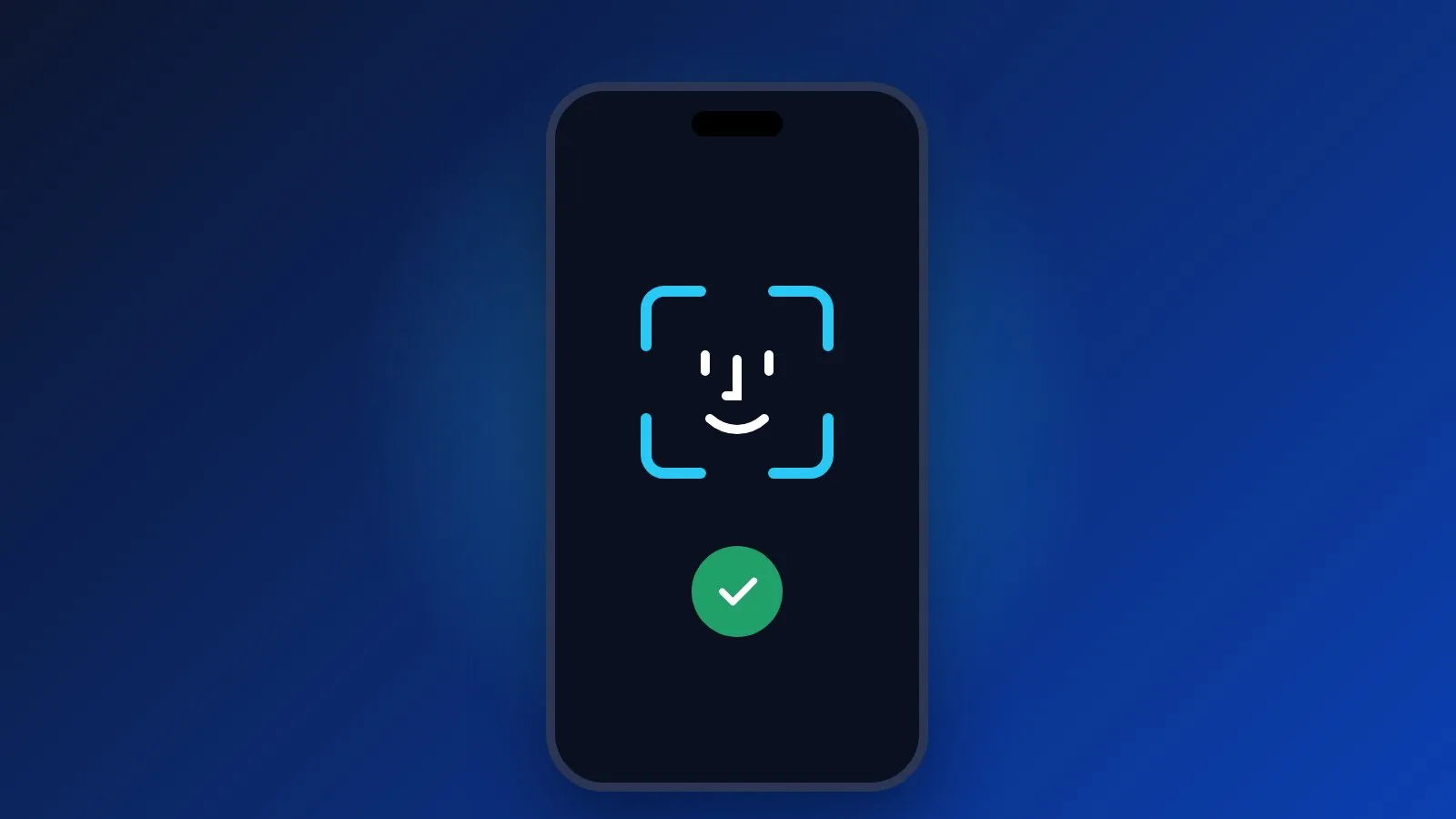
How To Guides If Face ID is not working on your iPhone, common causes include camera obstructions, software glitches, or security lockouts. Learn how to fix it.
November 18, 2026 · 4 min read
How To Guides If your Facebook account has been hacked, go to facebook.com/hacked immediately. We explain the steps to recover and secure your account.
November 14, 2026 · 5 min read
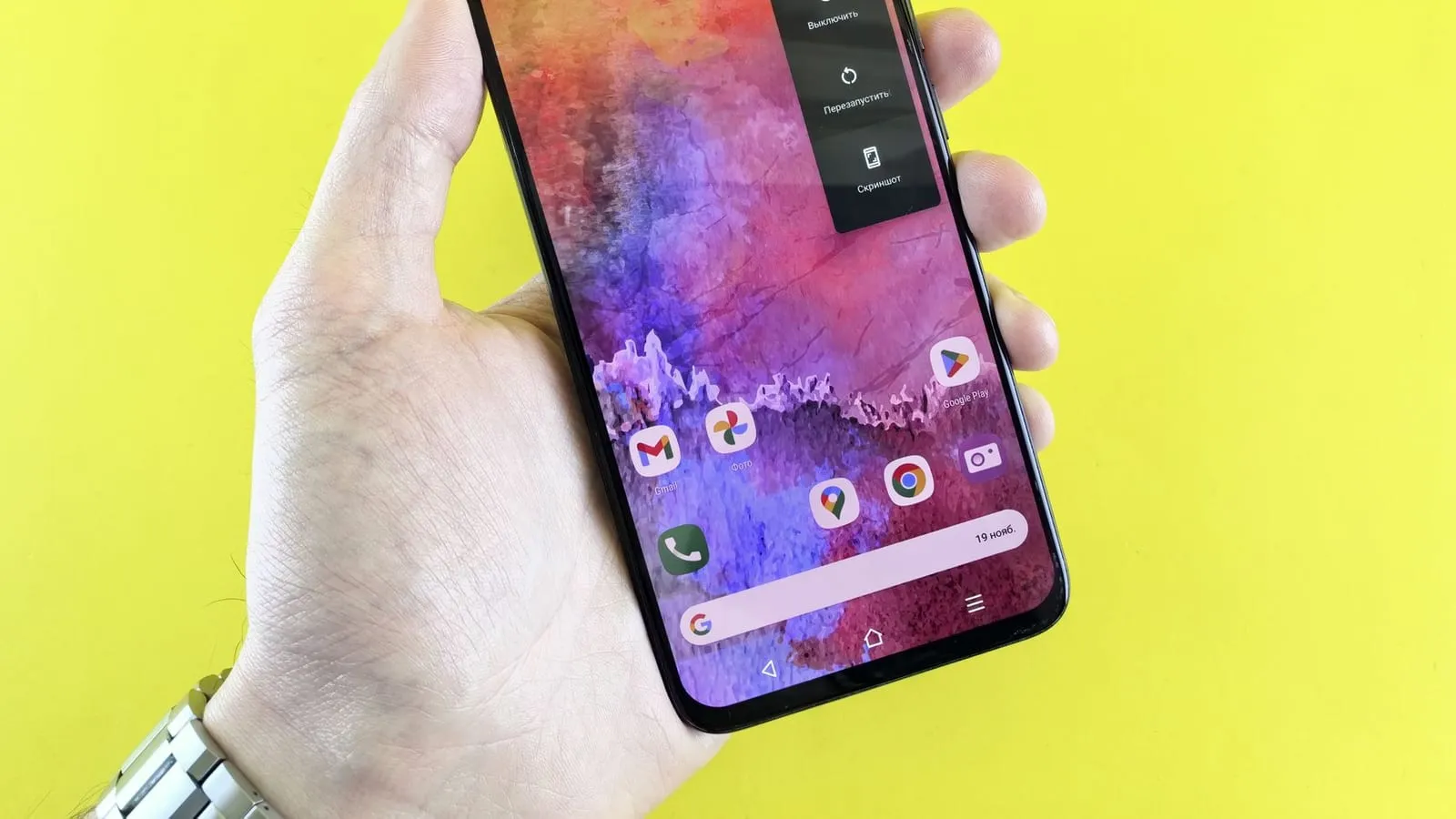
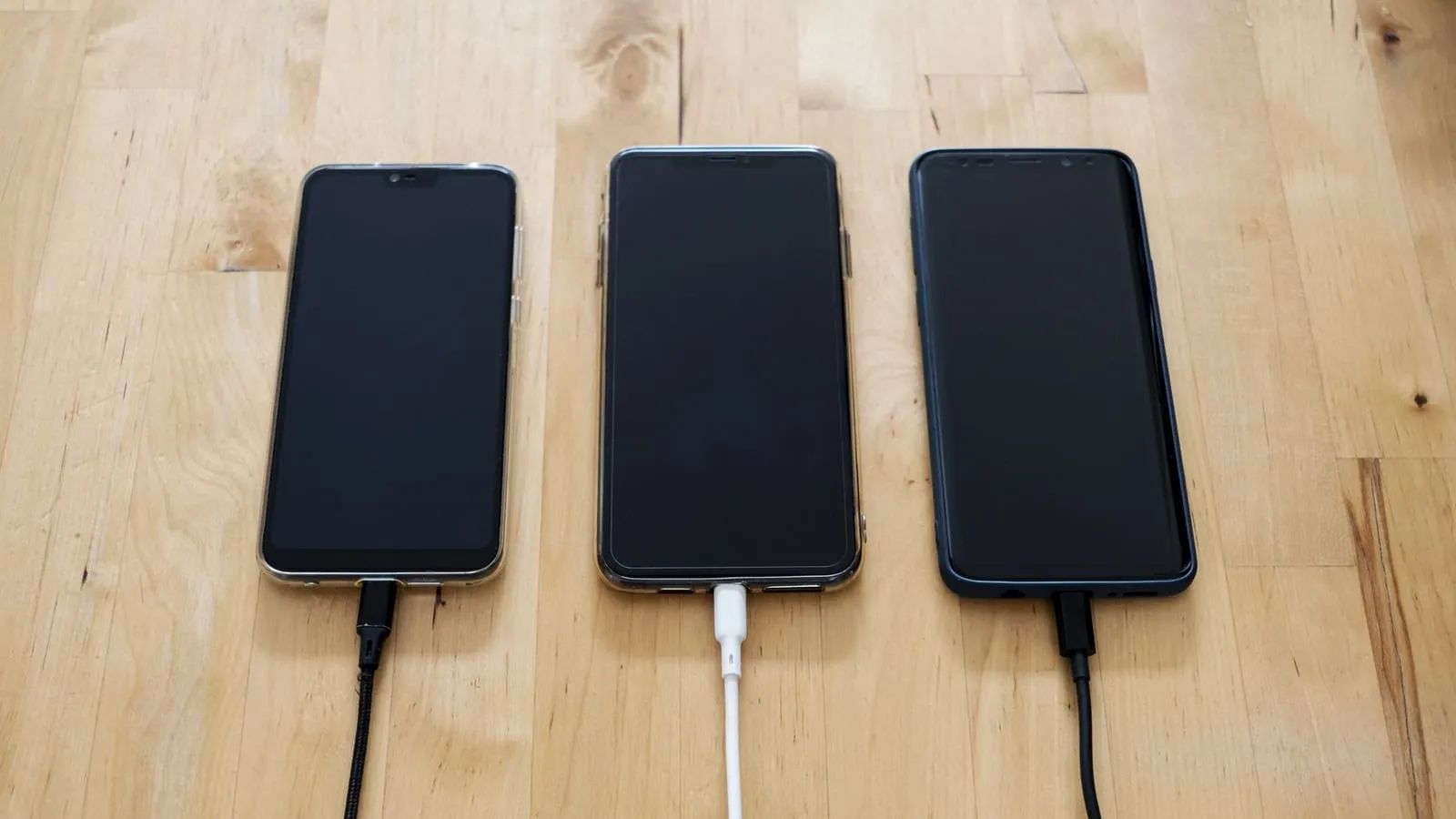
How To Guides Discover common reasons why your Android phone charges slowly, from faulty cables and dirty ports to background apps and battery degradation.
November 7, 2026 · 6 min read
How To Guides Learn why Android apps keep crashing and how to fix them with simple steps like restarting your phone, updating the app and clearing its cache.
November 6, 2026 · 5 min read
How To Guides Learn how to identify fake shopping websites and Black Friday scams. Protect yourself from fraudulent deals and secure your online purchases.
November 3, 2026 · 7 min read
How To Guides If your phone's clock didn't update after Daylight Saving Time ended, it's likely due to automatic time settings or time zone issues. Learn how to fix it.
November 3, 2026 · 5 min read
How To Guides Learn how to move your apps, contacts, messages, and settings to a new Android phone using Google's built-in tools or manufacturer-specific apps.
November 2, 2026 · 7 min read