Why Your Phone Time is Wrong After Daylight Saving Ended
If your phone's clock didn't update after Daylight Saving Time ended, it's likely due to automatic time settings or time zone issues. Learn how to fix it.

The short answer
If your phone's time didn't change automatically after Daylight Saving Time (DST) ended, it's usually because the 'Set Automatically' or 'Automatic date and time' setting is off. This feature uses your mobile network or internet connection to update the time and time zone. You might need to toggle this setting off and on, or manually adjust the time.
Key takeaways
- Ensure your phone's 'Set Automatically' or 'Automatic date and time' setting is enabled.
- Check that Location Services are turned on for automatic time zone updates.
- Restarting your phone can resolve temporary glitches with time synchronization.
- Manually adjust the time and date if automatic settings don't work.
- Keep your phone's operating system updated to prevent time-related bugs.
If your phone time is wrong after the time change, it’s a common issue often linked to how your device handles automatic time updates.
Quick Fix Checklist
If your phone didn’t update its time automatically, try these steps first. They often fix common time-setting issues.
- Restart your phone. A simple restart can often clear temporary glitches that might be affecting the clock. If you have an Apple device and see a message about updated time zone information, restart both your device and any paired Apple Watch.
- Check your internet connection. Apple devices need to be connected to the internet for their automatic date and time settings to work correctly. Make sure you’re on Wi-Fi or have a cellular data connection.
- Toggle “Set Automatically.” If you use an iPhone and the “Set Automatically” option for time is already on, try turning it off for about 15 seconds, then switch it back on. This can refresh the setting.
- Update your software. For Apple devices, if your time or time zone is incorrect, installing the latest software updates is a good step.
How to Check and Change Time Settings on iPhone
You can manage how your iPhone handles time changes. To have your iPhone update the date and time automatically, go to Settings > General > Date & Time and turn on ‘Set Automatically’. This setting helps your phone adjust for things like daylight saving time.
For automatic time updates to work correctly, your iPhone also needs Location Services turned on. You can find this in Settings > Privacy & security. Within Location Services, ensure ‘Setting Time Zone’ is enabled under System Services. This allows your device to use your current location to determine the correct time zone.
If you prefer to set the time yourself, you can turn off ‘Set Automatically’ in Settings > General > Date & Time. Then you can manually adjust the date and time using the calendar and sliders.
Sometimes, the ‘Set Automatically’ option might be dimmed or unavailable. This can happen if your carrier or region doesn’t support the feature. It can also be due to a Screen Time passcode or a corporate profile that has placed restrictions on your device.
How to Check and Change Time Settings on Samsung Phones
You can manage the date and time settings on your Samsung Galaxy phone through its settings menu. To have your phone automatically adjust its time, including for Daylight Saving, you can turn on ‘Automatic date and time’. Find this option in Settings > General Management > Date and Time. When this setting is active, your phone uses the mobile network to determine the correct date and time.
If you want to set the time yourself, you’ll need to turn off ‘Automatic date and time’ first. Once it’s off, the options to manually ‘Set date’ and ‘Set time’ will become visible, allowing you to make adjustments. Even if you manually select a time zone that uses Daylight Saving, your Samsung phone will still change the time automatically on the correct date for that zone.
Some devices, like Galaxy Tab Wi-Fi models running Android R OS, no longer automatically adjust time zones when you travel between regions. If you have one of these tablets and are in a country with multiple time zones, you might need to set the time zone manually.
How to Check and Change Time Settings on Other Android Phones
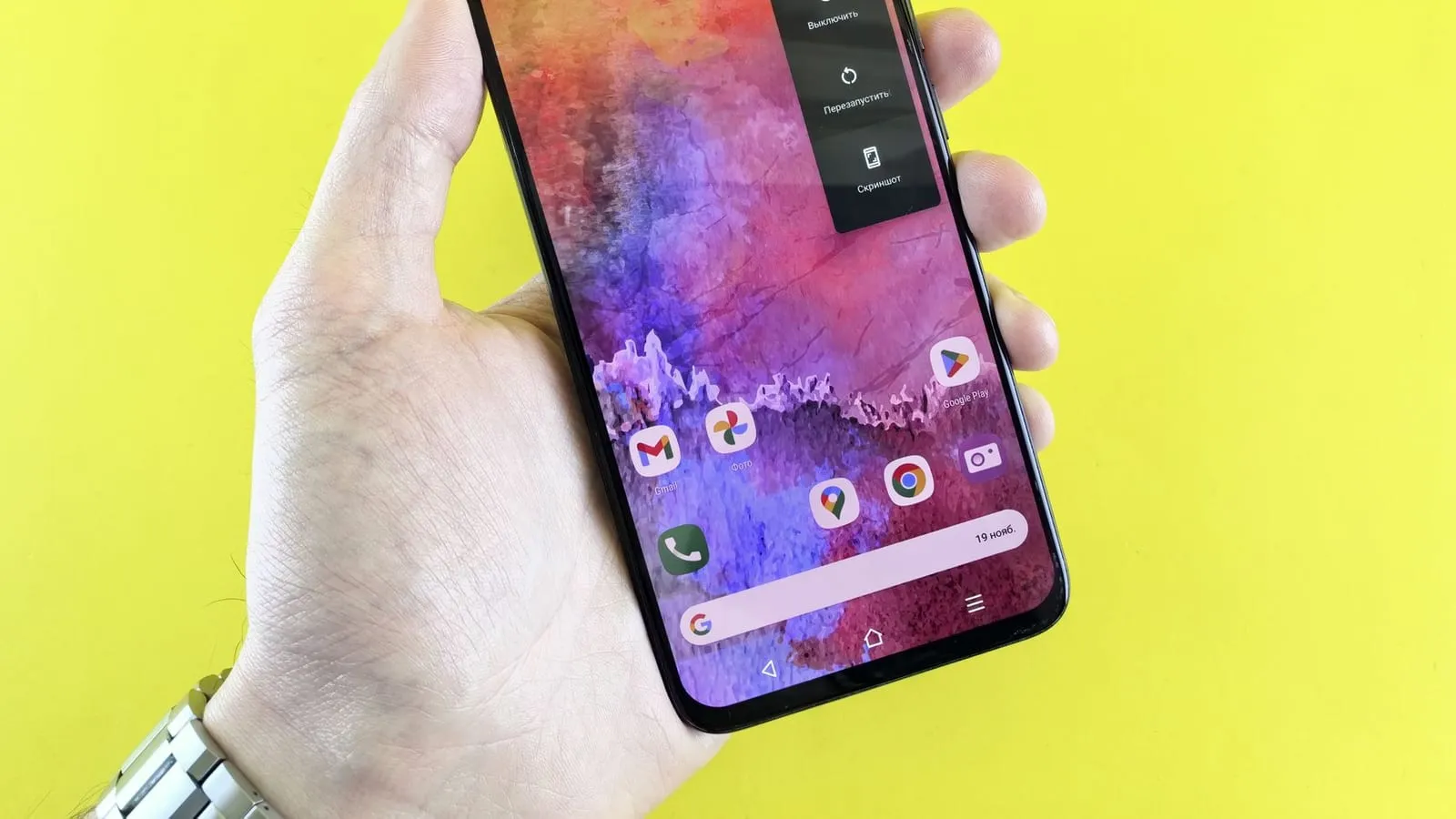
For most Android phones, you can manage date and time settings through the Settings menu. Enabling ‘Automatic date and time’ on an Android device allows it to synchronize its time settings using the internet. This helps ensure your phone’s time is accurate.
You can also set the time zone automatically. In the Date & time settings, turn on ‘Automatic time zone’. If this setting is off, or if your phone displays the wrong time after a Daylight Saving Time change, an incorrect time zone could be the reason.
Some Android devices, particularly those that are Wi-Fi-only like tablets, might use location services to figure out the correct time zone, even if there isn’t a specific ‘Use location’ setting for time.
If you need to set the time zone manually, first turn off ‘Set automatically’ (if that option is present) in your Date & time settings. Then, you can choose the correct time zone yourself. This can be helpful if you are traveling or if the automatic settings aren’t working as expected.
Why is Daylight Saving Time Observed?
Daylight Saving Time (DST) is the practice of moving clocks forward to make better use of longer daylight hours in summer. This makes darkness fall later in the evening by the clock. Typically, clocks are set ahead by one hour in spring or late winter, and then set back by one hour in autumn.
About 34% of countries worldwide observe DST as of 2023, mainly across Europe and North America. In the US, for example, all states except Hawaii and most of Arizona follow DST. US territories also do not observe it. Regions near the Equator find DST less useful because their daylight hours don’t change much throughout the year.
The first local use of DST was in 1908 in Port Arthur and Fort William (now Thunder Bay), Ontario, Canada. The German and Austro-Hungarian Empires were the first to implement it nationwide, starting in 1916.
Supporters of DST say that most people prefer having more daylight after their workday ends. They also claim it can lower energy use by reducing the need for lighting and heating, although this effect is debated. The actual impact of DST on overall energy consumption is a subject of debate, as it involves factors beyond just lighting, like heating, cooling, and vehicle use. The benefits of DST can also vary depending on a location’s position within its time zone, with areas farther east seeing more advantages.
Related reading on Infotero: Daylight Saving Time 2026: When the Clocks Changed and When They Change Next.
Frequently asked questions
Which countries use Daylight Saving Time?
Around 34% of countries globally use DST as of 2023, mainly in Europe and North America [[F4]](#src-4). In the US, DST is observed everywhere except Hawaii, Arizona (excluding the Navajo Nation), and US territories [[F5]](#src-5).
Can I manually change my phone's time?
Yes, you can manually change your phone's time. For iPhones, turn off 'Set Automatically' in **Settings > General > Date & Time** [[F9]](#src-9). For Samsung phones, disable 'Automatic date and time' in **Settings > General Management > Date and Time** [[F12]](#src-12), then adjust. For Android, turn off 'Set automatically' in Date & time settings [[F16]](#src-16).
What happens if my phone's time is wrong?
If your device's date and time are inaccurate, many apps and websites may not function correctly, and you might see security warnings [[F20]](#src-20).
Sources
Facts in this article were checked against these sources. Spotted an error? Report a correction.
- 1Daylight Saving Time (DST)congress.gov
- 2
- 3
- 4Set time, date and time zone - Android Helpsupport.google.com
- 5
- 6Change the date and time on iPhone - Apple Supportsupport.apple.com
- 7
- 8Daylight saving time - Wikipediaen.wikipedia.org