Why Is My Android Phone Charging So Slowly?
Discover common reasons why your Android phone charges slowly, from faulty cables and dirty ports to background apps and battery degradation.

The short answer
Your Android phone might be charging slowly due to issues with your charging cable or adapter, a dirty charging port, or a weak power source. Background apps, phone overheating, and an aging battery can also significantly impact charging speed. Addressing these common problems can often resolve slow charging.
Key takeaways
- Check your charging cable and adapter for damage or incompatibility.
- Clean your phone's charging port to remove lint and dust.
- Avoid using your phone for intensive tasks while it's charging.
- Be aware that batteries degrade over time, affecting charging speed.
- Ensure you are using a strong power source, not a weak USB port.
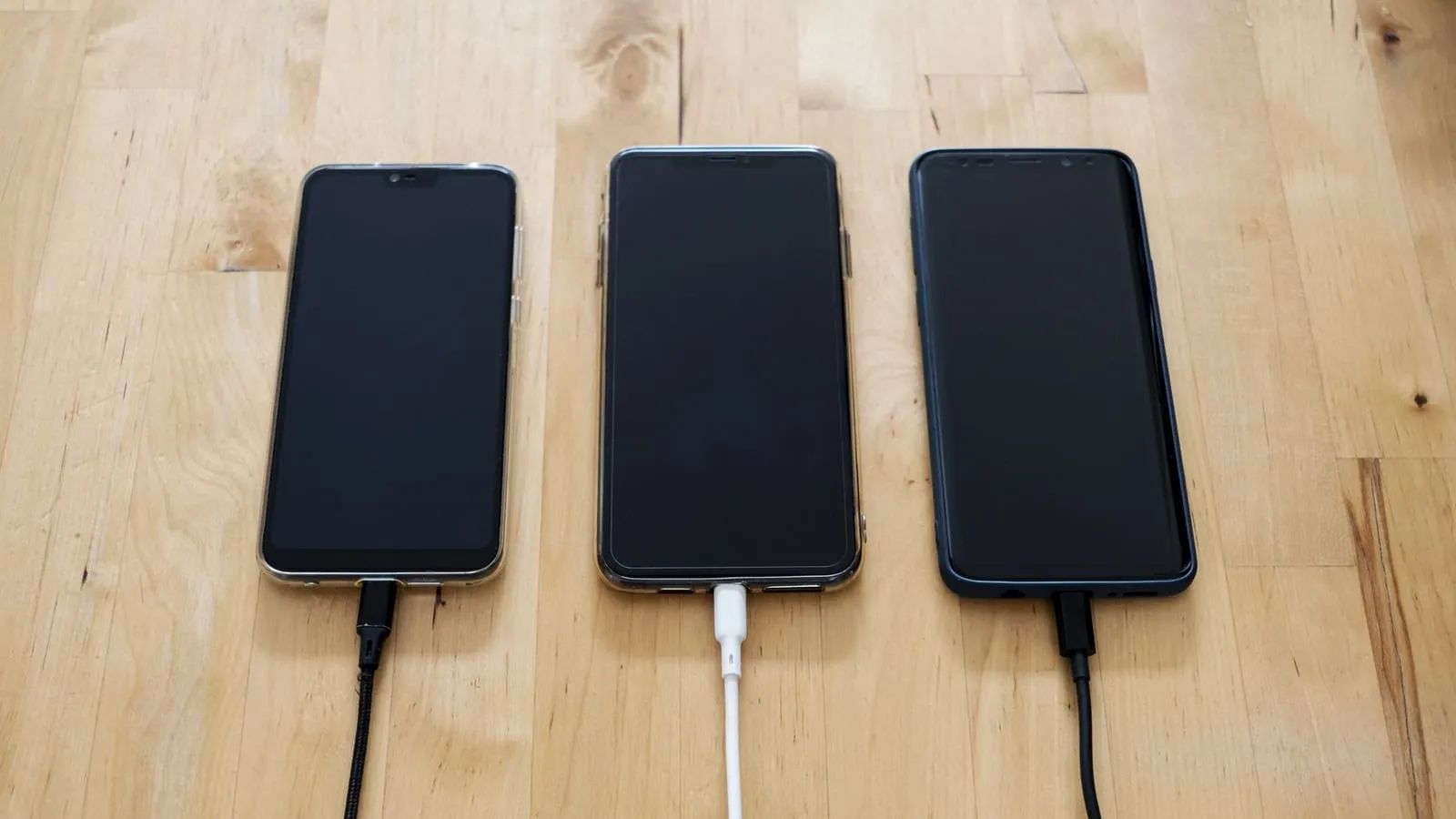
If your Android phone is charging slowly, several common issues could be the cause. These often relate to your charging equipment, the phone’s charging port, or even the phone’s internal state. Faulty cables or adapters, a dirty port, and weak power sources are frequent culprits. Background apps, phone overheating, and an aging battery can also significantly impact how quickly your device powers up.
Quick Fix Checklist
If your Android phone is charging slowly, there are a few simple things you can check right away. These steps can help you identify common problems with your charging setup.
- Inspect your charging cable. An old or damaged cable is a frequent cause of slow charging. Some charging cables support faster speeds than others, which can affect charging time.
- Check your charging adapter. A damaged charging adapter can cause slow charging. Examine it for any bent plugs or cracked sections. Older chargers may not charge newer devices at their maximum speeds.
- Try a different cable and adapter. The easiest way to test your current setup is to swap out the cable, the adapter, or both. Use a known good cable and adapter, ideally newer ones designed for fast charging, to see if the charging speed improves.
- Clean your phone’s charging port. Dust, lint, or debris can build up in your phone’s charging port, blocking the connection. Gently use a small, non-metallic tool like a toothpick to clear out any obstructions.
- Restart your phone. Sometimes, a simple restart can resolve temporary software glitches that might be affecting charging performance.
If these steps don’t fix the issue, you might want to look into other potential causes, such as background apps or battery health.
Charging Equipment and Port Issues
Your charging cable, adapter, the power source you are using, and the phone’s charging port are often the first things to check if your Android phone is charging slowly.
A faulty or damaged charging cable is a common reason for slow phone charging, especially if it is an old cable. Look for any rips, bends, scratches, or other damage on the cable. Even if a cable looks fine, it might be internally damaged. Also, some charging cables support faster speeds than others, which can affect charging time. A basic cable might not deliver the power needed for quick charging.
A damaged charging adapter, also known as a charging brick, can cause slow charging. Check for bent plugs or cracked sections on the adapter. Also, older chargers may not charge newer devices at their maximum speeds. For example, a charger from five years ago might charge a new phone, but not as quickly as a modern, higher-wattage adapter designed for that phone. Using cheap, uncertified, or knockoff chargers can be dangerous and may damage the phone or battery.
Weak power sources, such as USB ports on laptops or car ports, often do not provide enough power for fast charging. Faulty home wiring or wall outlets can also prevent a device from receiving power. Very long charging cables can have a slight voltage drop, so quality is important to maintain power delivery. If a phone and charger use different fast charging protocols, charging may not reach optimal speeds.
The physical charging port on your phone can become a bottleneck for power delivery if it is not in good condition. Lint, dust, and other debris can build up inside it and block the electrical connection. You can often carefully clear out the port with a small, non-conductive tool like a toothpick. Corrosion in the charging port can also block the connection. If the charging cable feels loose or needs to be held in a specific position, the port itself may be faulty. Damage to the phone’s main logic board, such as burned or cracked components, can also cause charging problems, and this needs a repair shop.
Software, Apps, and Phone Usage
How you use your Android phone and its software can also affect how quickly it charges. For example, if you are actively using your phone for demanding tasks while it is plugged in, it will charge more slowly.
Running many apps in the background or using apps that require a lot of processing power, like video games or streaming services, can slow down charging. This is because the phone’s battery is being drained by these activities even as it tries to charge. Similarly, if your phone’s screen is on constantly, especially at high brightness, it will consume more power and extend charging time.
Poorly optimized or buggy software can drain the battery quickly, making it seem like the phone is charging slowly. Keeping your Android phone’s software updated can help fix these issues and potentially improve charging speed. You can usually check for updates in your phone’s Settings menu. If a battery issue started suddenly, it could be due to an app update or a phone patch. As a last resort, a factory data reset can give the device a clean start, but back up your data first because it erases everything.
Even if you are not actively using your phone, certain settings can affect charging. For instance, having Wi-Fi, Bluetooth, or GPS turned on when you do not need them can consume battery power in the background, making the charging process take longer. Turning off these features, or putting your phone in airplane mode, can help it charge faster.
Battery Health and Overheating
Your phone’s battery health and its operating temperature both affect how quickly it charges. As a battery gets older, its overall capacity and charging speed can decrease. This is a normal part of a phone’s lifespan. Heavy use and frequent charging cycles can accelerate battery degradation. A swollen battery can reduce battery life and increase charging times, and it should be replaced right away. If a phone’s maximum battery capacity is below 80%, replacing the battery may be necessary.
Overheating can also slow down charging. Phones charge slower when they get hotter, as a protective measure. Charging in hot places, like near a heater or in direct sunlight, can slow down charging speeds. You might notice this if you are using your phone for demanding tasks, like gaming or streaming video, while it is plugged in. Charging in a hot car can also cause overheating.
To help your phone charge more efficiently, try to keep it cool. Avoid charging it under a pillow or blanket, which can trap heat. If you are using a protective case, consider removing it while charging, especially if your phone feels warm. This allows for better airflow around the device.
Wired vs. Wireless Charging Speeds
Understanding how wired and wireless charging work can help explain why your Android phone might charge slowly. Wired charging generally offers faster speeds than wireless charging, because a cable delivers power more efficiently.
The charging rate for smartphones is measured in watts. To fast-charge a phone, you need a cable and charger that support the phone’s maximum wattage and charging protocol. Smartphones communicate with the charger to control how much power they draw. Phones also charge more slowly when the battery is nearly full. A charger’s wattage should be equal to or greater than the phone’s maximum charging rate. GaN (gallium nitride) chargers are smaller, more efficient, and produce less heat than older silicon chargers.
Here is a quick comparison of wired and wireless charging:
| Charging Method | Speed | Heat | What to Check |
|---|---|---|---|
| Wired (USB-C) | Usually the fastest option | Lower | A cable and charger that support your phone’s fast charging wattage |
| Wireless (Qi) | Usually slower than wired | Higher | Correct alignment on the pad and no thick case in the way |
Related reading on Infotero: Why Your Phone Battery is Draining Fast and How to Fix It.
Frequently asked questions
Can a dirty charging port really slow down charging?
Yes, a dirty charging port clogged with lint or dust is a common reason for slow charging because it can block the electrical connection. Corrosion in the port can have the same effect.
Does using my phone while charging make it slower?
Yes, using your phone while charging, especially for demanding tasks like gaming, can significantly slow down the charging process. Any activity that uses power, such as the screen or apps running in the background, works against the charging.
Why does my phone charge slower when it's hot?
Phones charge slower when they get hot as a protective measure to prevent damage. Charging in hot places, like direct sunlight or near a heater, can reduce charging speeds even further. Wireless charging also typically produces more heat than wired charging.
How do I know if my battery is degrading?
Batteries degrade over time, leading to slower charging and reduced capacity. Heavy use and frequent charging cycles can speed up this process. If your phone's maximum battery capacity is below 80%, replacing the battery might be necessary.
Sources
Facts in this article were checked against these sources. Spotted an error? Report a correction.
- 1Why your phone is charging slowly and how to fix it - Android Authorityandroidauthority.com
- 2
- 3
- 4
- 5
- 6
- 7
- 8How Often Should I Charge My Phone To Prolong The Battery Life?charbycharge.com