Why Is My AirPods Case Blinking Orange?
An AirPods case blinking orange or amber usually means it needs charging. Learn what each light means, how to charge your case, and what to do.

The short answer
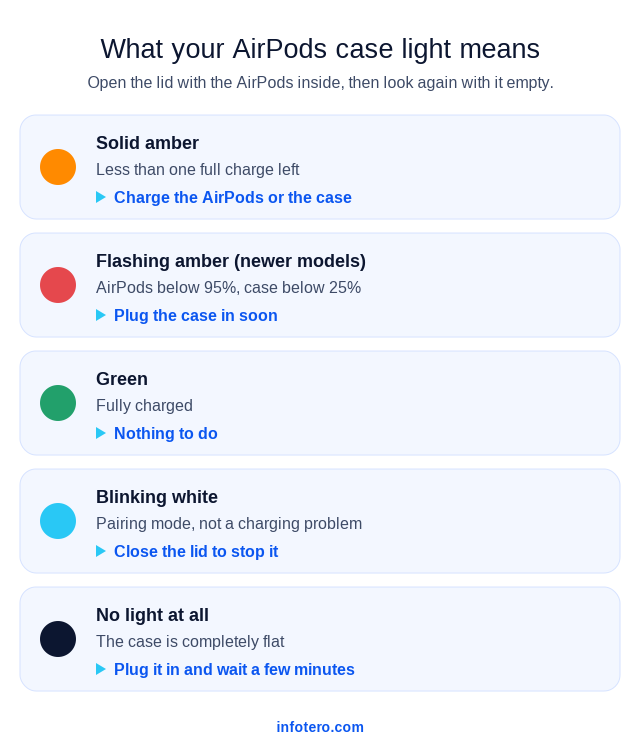
An orange or amber light on your AirPods case means that either the case itself or the AirPods inside have less than one full charge remaining. It's an indicator that you need to charge them soon. A blinking white light, however, means your AirPods are in pairing mode.
Key takeaways
- Amber means the AirPods or the case have less than one full charge left.
- Green means fully charged.
- Blinking white means pairing mode, not a charging problem.
- The light shows the AirPods' charge when they're in the case with the lid open, and the case's charge when it's empty.
- Open the case near your iPhone to see exact battery percentages.
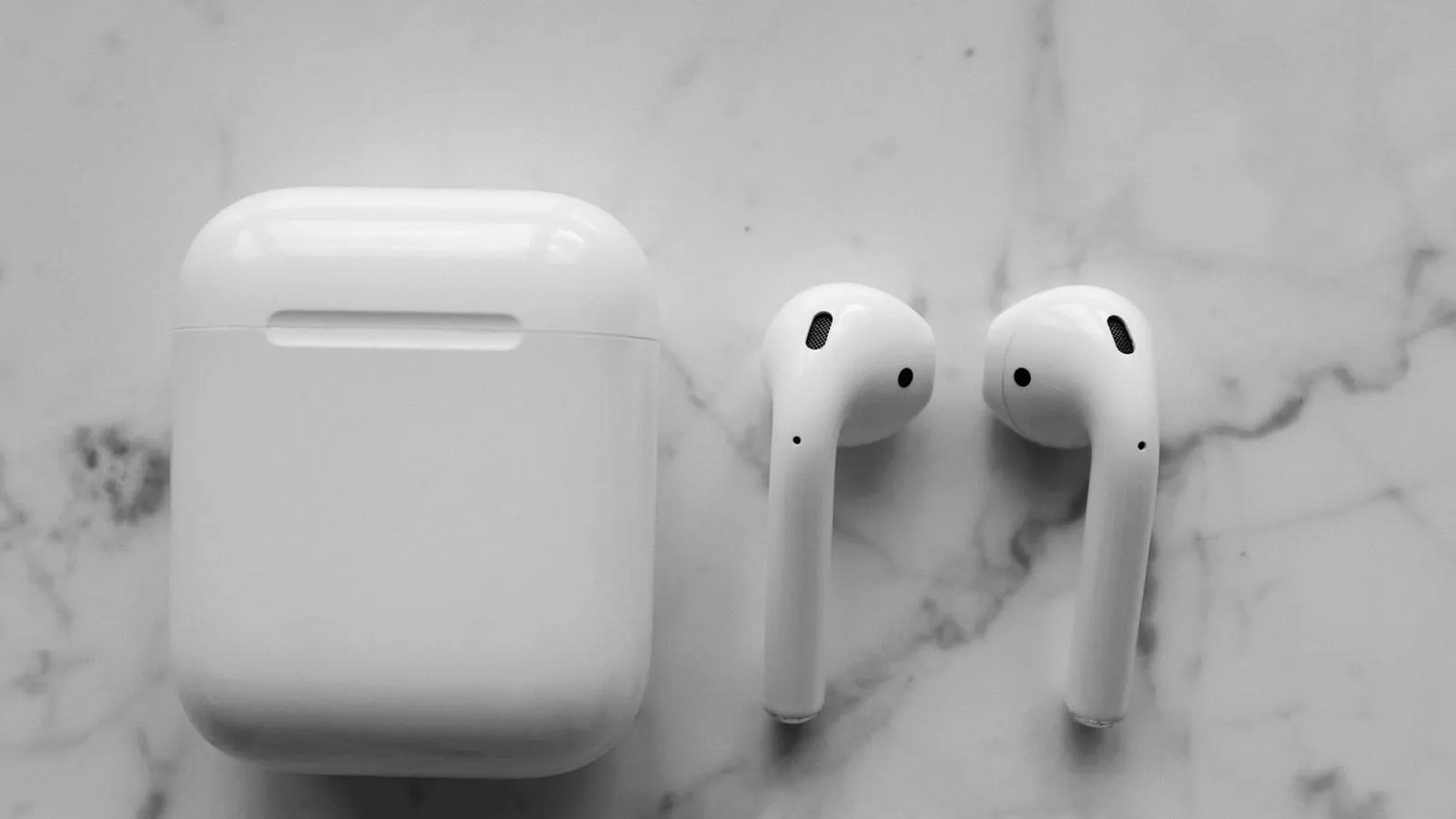
An orange light on your AirPods case looks like a warning, but in almost every case it simply means something needs power. What that light is reporting depends on one detail: whether your AirPods are inside the case when you open the lid. Once you know which part needs charging, the fix takes a few minutes.
Quick Fix Checklist
- Open the lid with the AirPods inside. The light now shows the AirPods’ charge. Amber means they have less than one full charge left.
- Take the AirPods out and look again. With the case empty, the light shows the case’s own charge.
- Charge whatever is low. Put the AirPods in the case and close the lid, or plug the case in with its Lightning or USB-C cable. Cases that support it can also charge on a Qi-certified mat or MagSafe charger.
- Check exact percentages by opening the case near your iPhone, or in Settings > Bluetooth.
Find Your Problem
| What the light does | What it means |
|---|---|
| Solid amber, AirPods in the case | The AirPods have less than one full charge left. |
| Solid amber, case empty | The case has less than one full charge left. |
| Pulses amber briefly (AirPods Pro 2, AirPods Pro 3, AirPods 4, AirPods 5) | The AirPods or case are below 95% charged. |
| Flashes amber (same models) | The AirPods are below 95% and the case is below 25%. Charge the case soon. |
| Green | Fully charged. |
| Blinking white | Pairing mode. Nothing to do with charging. |
How to Charge Your AirPods Case
Every case charges with a cable. Charging is fastest with an iPhone or iPad USB charger or when connected to a Mac. If your case supports wireless charging, you can use a Qi-certified mat, and the MagSafe cases for AirPods Pro 2 and AirPods Pro 3 can also charge on an Apple Watch charger.
On a wireless charging case, tap the case while it sits on the mat to see its status: amber means it’s charging, green means it’s full. Newer cases also play a sound when their battery is low.
What If the Light Is Blinking White?
A blinking white light means your AirPods are in pairing mode and ready to connect over Bluetooth. You start it on purpose by holding the button on the back of the case with the lid open, usually when connecting to a new phone, tablet or a Windows PC. If it happens on its own, the button was probably pressed by accident in a bag or pocket. Close the lid and it stops.
Low-Battery Warnings to Expect
Your iPhone or iPad shows low-battery alerts when your AirPods reach 20%, 10% and 5%, and you’ll hear a chime in your AirPods at 10% and again just before they switch off. If one earbud dies much faster than the other, see our guide on why only one AirPod is working.
Frequently asked questions
What does a green light on my AirPods case mean?
It means the AirPods inside, or the case itself if it's empty, are fully charged.
How do I put my AirPods in pairing mode?
Put your AirPods in the case, open the lid, then press and hold the button on the back of the case until the light blinks white.
Can I charge my AirPods case without the AirPods inside?
Yes, the case charges with or without the AirPods inside it.
How do I check the exact battery level of my AirPods?
On an iPhone or iPad, open the case lid near your device or go to Settings > Bluetooth. On a Mac, open the lid and check Sound in Control Center.
Sources
Facts in this article were checked against these sources. Spotted an error? Report a correction.
- 1Charge your AirPods - Apple Supportsupport.apple.com
- 2How to Connect AirPods to a Windows PC or Laptopbusinessinsider.com
- 3
- 4Charge AirPods, AirPods Pro, or AirPods Max - Apple Supportsupport.apple.com