What should you do if your Facebook account has been hacked?
If your Facebook account has been hacked, go to facebook.com/hacked immediately. We explain the steps to recover and secure your account.

The short answer
Go to facebook.com/hacked immediately if you think your Facebook account was hacked. Facebook will guide you to change your password and review recent activity. If a hacker changed your email, look for a message from Facebook sent to your old address. It contains a special link to help you secure your account.
Key takeaways
- The first step for a hacked account is to visit facebook.com/hacked.
- Signs of a hack include password changes, messages you didn't send, or posts you didn't create.
- If your email was changed, use the reversal link Facebook sends to your previous address.
- After recovering your account, change your password and turn on two-factor authentication.
- The longer a hacker has control, the harder it is to get your account back, so act quickly.
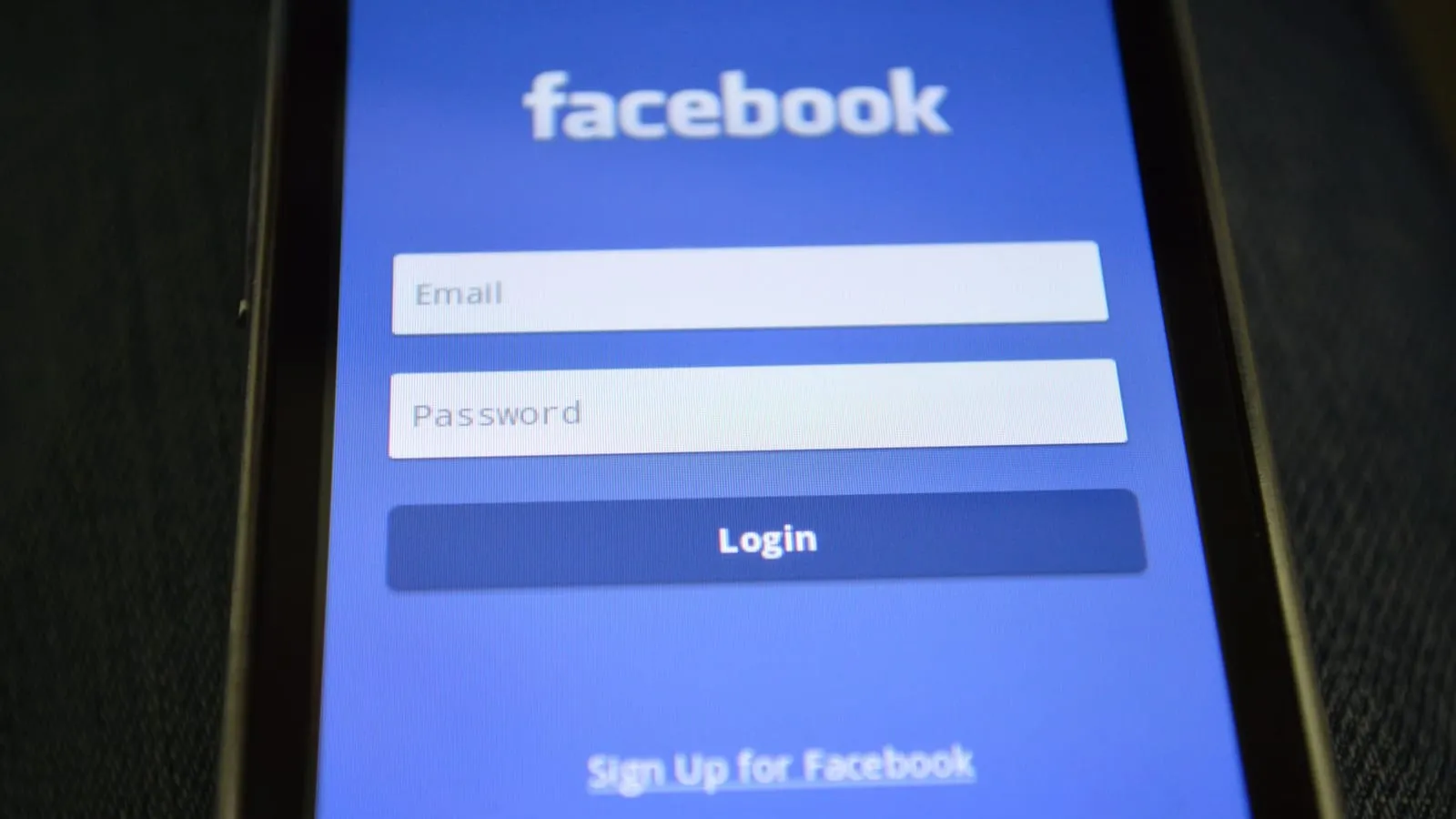
A hacked Facebook account can be used to scam your friends, post in your name or lock you out for good, and every hour counts. The good news is that Facebook keeps a dedicated recovery page, and most people who act quickly get back in. This guide starts with the steps to take right now, then covers what to do if the hacker changed your email and password, and how to stop it happening again.
Quick Fix Checklist
Follow these steps in order. The sooner you start, the better your chances.
-
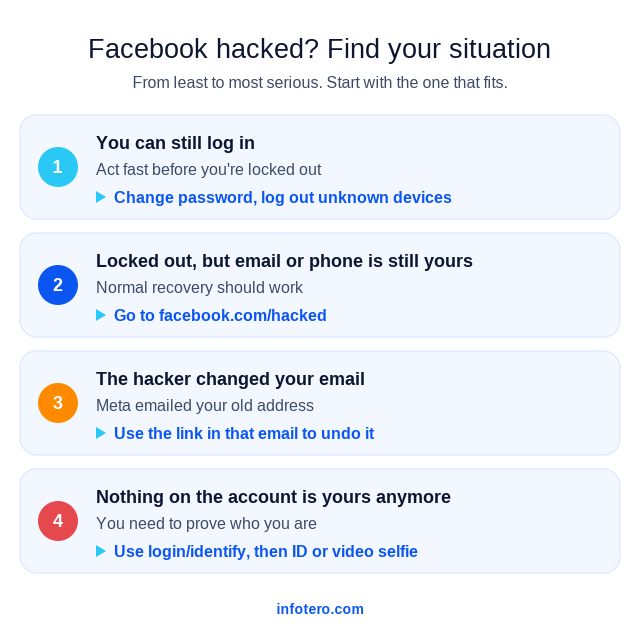
Start the recovery process. Go to facebook.com/hacked. If you can’t find your profile, use facebook.com/login/identify. At the same time, check your old email inbox: if a hacker changed your email, Facebook sends a message there with a special link to reverse the change.
-
Change your password and review logins. After you regain access, Facebook will ask you to create a new, strong password and look over recent login activity. Then go to Settings & Privacy > Meta Accounts Centre > Where You’re Logged In and log out any sessions you don’t recognize.
-
Review your account activity. Open Settings > Your Facebook Information > Activity Log and look for posts, messages or friend requests you didn’t make. Delete them and warn friends who may have received scam messages.
-
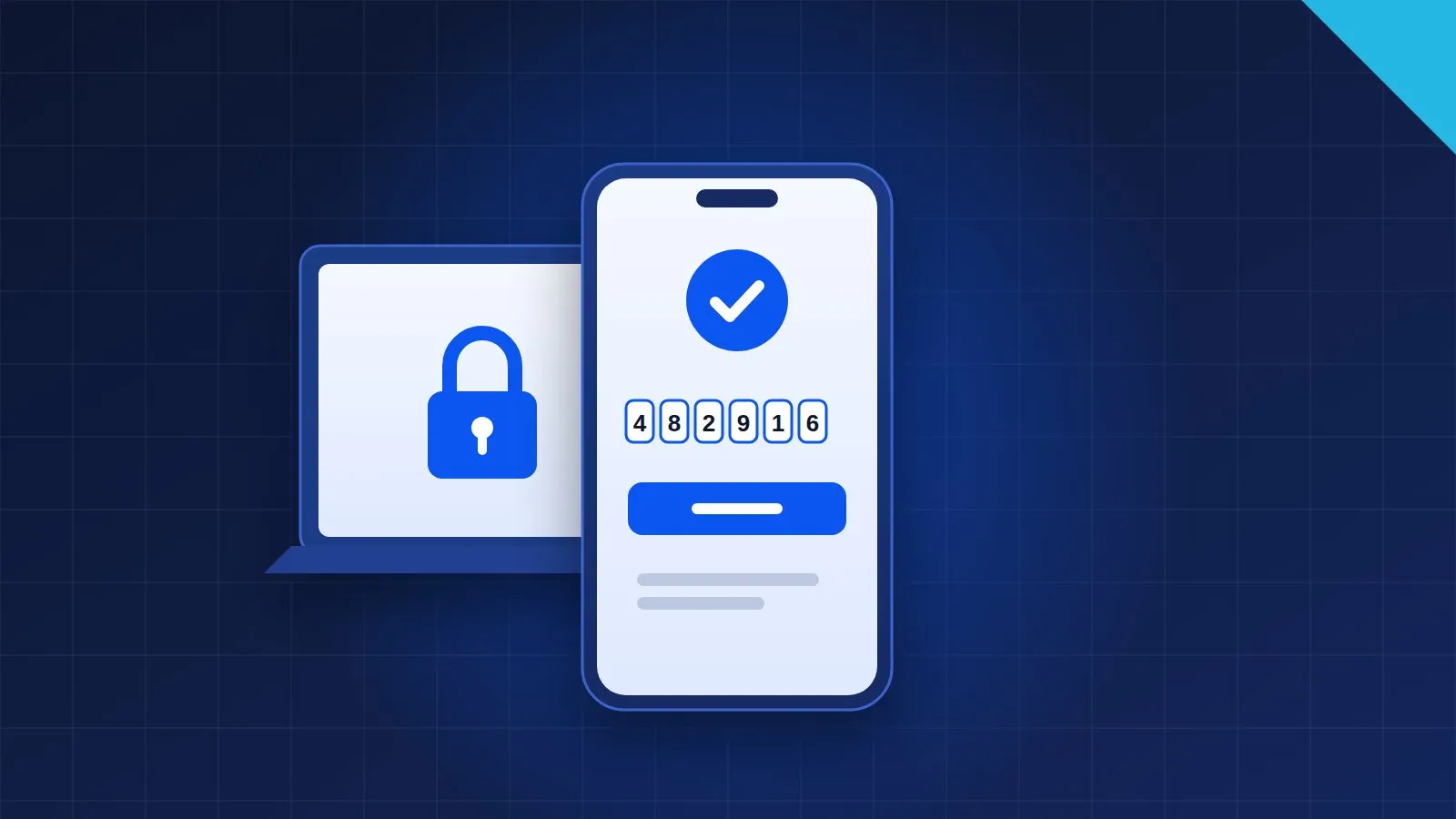
Turn on two-factor authentication (2FA). With 2FA, a hacker can’t get in with your password alone, because they would also need a code sent to your phone.
Find Your Problem
What has changed on your account tells you what the hacker is after and what to do first.
| What you’re seeing | What it means and what to do first |
|---|---|
| Your name, birthday, password, or email has been changed without your permission. | The hacker is trying to lock you out. Go to facebook.com/hacked immediately to begin recovery. |
| You see posts, messages, or friend requests that you didn’t create. | Your account is being used to contact others, possibly for scams. Secure it, then review your activity log to remove unwanted content. |
| You receive security emails from Meta about password changes or login attempts you didn’t request. | Someone is trying to take over your account. Use the special link in the email to secure your profile. |
| You’ve lost admin access to a creator or brand page you manage. | A hacker has taken over your page. Secure your personal account first, then work on reclaiming the page. |
How to Recover Your Hacked Facebook Account
Your best chance is Facebook’s official recovery page at facebook.com/hacked. It works best if you can still reach at least one recovery method on your account, such as your email or phone number.
If a hacker changed your contact details, check your old email inbox straight away. Facebook sends a notification about the change with a special reversal link. Clicking it can cancel the change and lock the hacker out.
Try to recover your account from a phone or computer you normally use for Facebook, and from your usual location. Meta’s systems look for familiar signals, such as cookies from earlier sessions, your device and your usual login patterns, to confirm it’s really you. When those match, recovery is more likely to succeed, even if the hacker changed other details.
What If the Hacker Changed Your Password and Email?
Recovery is harder when a hacker has changed both the email and the phone number. Start at facebook.com/login/identify, where you can search for your profile using any email or phone number that has ever been linked to it. If you can’t remember those details, ask a friend to open your profile and send you its link.
If you can’t use any of the recovery options Facebook shows, you’ll need to prove who you are another way. Facebook may ask for a new email address that has never been used with your account, so it can contact you.
You may then be asked to upload a photo of a government-issued ID, or to record a short video selfie so Facebook can compare it with photos on your profile.
If the hacker turned on 2FA and you don’t have the code, choose Need another way or Having trouble? when Facebook asks for it. This can lead you to an identity check instead of the code.
What to Do After You Regain Access
- Set a new, strong password. Use at least 16 characters with a mix of letters, numbers and symbols, and never reuse a password from another account.
- Log out unknown sessions. Review where your account is signed in and log out any phone or computer you don’t recognize. Facebook’s Security Checkup walks you through this.
- Change passwords elsewhere. If you used the same password on other sites, especially your email, change those too. A hacker who had your Facebook password may try it elsewhere.
- Turn on 2FA. This is the single best protection against the same thing happening again.
- Warn your friends. Let them know any odd messages from you during the hack were not from you.
Why Is It Hard to Get Help From Facebook?
Many people find it frustrating that they can’t reach a real person after a hack. Facebook does not offer phone support for account recovery to most users, so you depend on its automated tools. Small business owners have described being locked out of personal and business pages for months, and some had to start a new business page from scratch.
That frustration makes people easy targets for a second scam. Some victims have paid strangers online who promised to “hack back” their account. Never pay anyone for account recovery. Use only Facebook’s own pages.
Meta says it is improving this. In late 2025 it announced a central support hub for Facebook and Instagram, easier-to-find recovery options and an AI support assistant meant to give faster help with problems like account recovery.
Related reading on Infotero: How to Create a Strong Password You Can Remember and What is Two-Factor Authentication and Why Use It?.
Frequently asked questions
What are the signs my Facebook account was hacked?
Common signs include changes to your name, birthday, or password without your permission. You might also see friend requests sent to people you don't know, messages you didn't write, or posts on your profile that you didn't create.
Can I call Facebook for help with a hacked account?
For most people, no. Facebook does not offer a phone line for account recovery. You need to use its online tools, starting at facebook.com/hacked, and Meta's account support hub.
What if the hacker changed my password and turned on two-factor authentication?
When you're asked for a 2FA code you don't have, look for an option like 'Need another way' or 'Having trouble?'. It can lead to another way to confirm your identity, such as uploading a photo of your ID or recording a video selfie.
Should I pay someone who offers to recover my hacked account?
No. People who promise to "hack back" your account are often scammers themselves. Use only Facebook's official recovery pages.
Sources
Facts in this article were checked against these sources. Spotted an error? Report a correction.
- 1
- 2
- 3How To Make Sure Your Facebook Account Never Gets Hackedbitdefender.com
- 4
- 5
- 6