What is Two-Factor Authentication and Why Use It?
Learn what two-factor authentication is, how it protects your online accounts from hackers, and why using a second login factor matters for security.
The short answer
Two-factor authentication is an electronic method that grants access to a website or application only after you provide two distinct types of evidence. Using two factors makes your accounts significantly less likely to be compromised compared to a password alone.
Key takeaways
- Two-factor authentication requires credentials from two different categories to log in.
- Authentication factors are something you know, something you have, and something you are.
- Accounts using this method are much harder for cybercriminals to compromise.
- Common methods include text messages, emails, and authenticator apps.
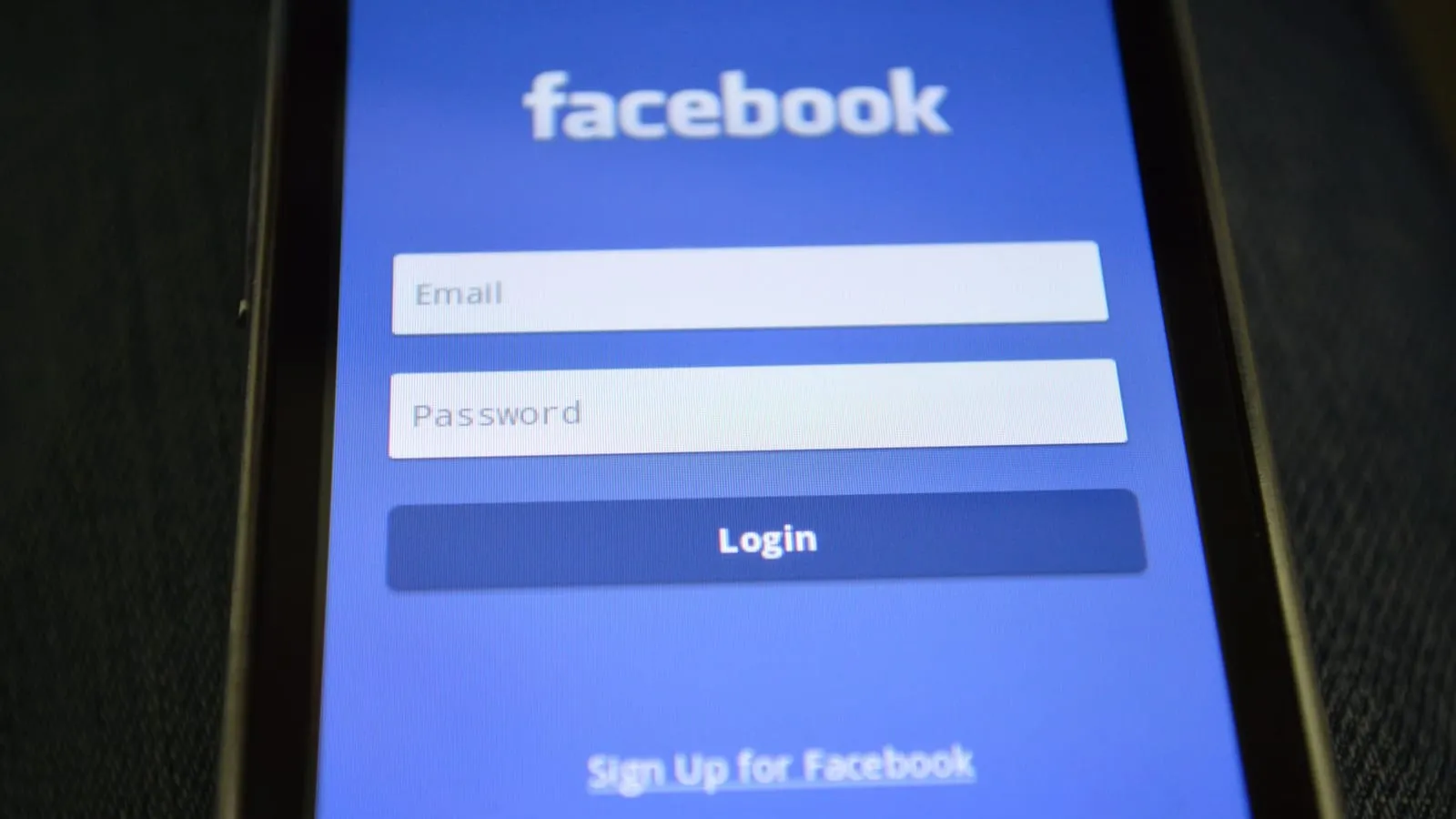
Two-factor authentication is an electronic security method that grants access to an application or website only after you successfully present two distinct types of evidence. Also known as two-step verification, this approach requires you to enter a credential from two different categories. Relying on just one factor, such as a traditional password, leaves your accounts vulnerable because hackers can easily compromise single-factor security. Using two-factor authentication means accounts are significantly less likely to be breached. Even if a cybercriminal discovers your password, they cannot log in without your second credential.
How authentication factors work
Systems confirm your identity using three distinct categories of evidence, which include something you know, something you have, and something you are. When a service uses two-factor protection, it asks you to supply credentials from two of these separate groups before granting access.
The first category relies on knowledge. This group contains secrets that only you should know, such as a traditional password, a longer passphrase, or a numerical personal identification number.
The second category involves physical possession. These are items that only you hold, which might be a cryptographic identification device, a physical security token, or your personal smartphone.
The third category focuses on your physical traits. This group covers biometric characteristics, including unique behavioral habits, voice patterns, or even the way you walk. Biometric traits also encompass specific actions you perform.
These physical characteristics are never kept secret from the world. Because anyone can observe or capture them, security systems do not accept biometric traits by themselves as a single factor of verification. You always need to pair them with another type of proof.
Consider how you sign into a secure account on your phone. You might type a secret password from the knowledge category, and then tap a prompt on your mobile device from the possession category. Using these different angles makes unauthorized access much harder for outsiders.
Common types of second factors
Websites and apps rely on a few everyday methods to confirm your identity during the second login step. These options range from simple messages to codes sent directly to your inbox.
-
Text message codes. You can receive a one-time passcode sent directly to your phone via SMS. This method only requires a standard device capable of receiving text messages. The code is typically six digits long, works for one login attempt, and expires automatically. For example, when you try to log into an online banking portal, the system texts you a six-digit number to type in before you can access your account.
-
Email verification. Passcodes can also arrive via email. These share the same security traits as text codes, meaning they are six digits long, single-use, and time-sensitive. Because an attacker might try to access your inbox, you need to protect your email account with a strong password and its own two-factor security. This extra layer makes it much harder for an unauthorized person to intercept your verification codes.
Handling these codes safely is just as important as setting them up. You should never share a verification code with anyone unless you initiated the contact yourself. Scammers often trick people into handing over these temporary numbers, so keeping them private stops unauthorized access in its tracks.
Hardware and app-based options
You can choose between software tools and physical hardware when setting up secure logins. Software options include authenticator apps, which run on general-purpose devices like your mobile phone, laptop, or desktop computer. These programs generate temporary verification codes locally by using stored key material. You will typically see these appear as a Time-based one-time password that refreshes constantly. But keep in mind that software tokens can be duplicated if someone gets unauthorized access to your device.
Physical tokens offer another route for protecting your accounts. Disconnected tokens have no link to your computer. Instead, they feature a built-in screen that shows generated authentication data, and you simply type that information in by hand.
Connected tokens handle the data transmission for you automatically. These physical devices include smart cards, USB tokens, and wireless tags. Many of these tokens work with modern web browsers, which added mainstream support for them starting in 2015. When you use a physical hardware token, you simply plug it in or tap it against your device to sign in safely.
Why passwords alone are not enough
Relying on a password alone leaves your accounts open to security breaches, as a single factor is much less secure than using two. Hackers often steal or guess passwords through various methods, but adding a second layer of defense stops them in their tracks. Even if someone manages to learn your username and password, they still cannot access your account without that vital second credential or authentication factor.
Think about how you withdraw cash from an automated teller machine. You need a physically present bank card and a secret personal identification number to get your money. Both pieces are required to complete the transaction. Digital security works the exact same way. Your password is just the first part of the check, and the second factor makes sure you are actually who you claim to be before letting anyone in.
Related: What is a Password Manager and Is It Safe to Use?
Understanding security risks and attacks
Cybercriminals target your login credentials because passwords alone do not stop determined attackers. The majority of all cyberattacks happen through stolen login details obtained via phishing attacks. When attackers get these credentials, they take over accounts and impersonate victims to carry out financial fraud.
Standard second factors are not foolproof. Methods like shared secrets, memorized codes, out-of-band text messages, push notifications, and one-time passcodes remain vulnerable to phishing. Attackers also use fatigue tricks and SIM card swaps to break through extra security layers. During a SIM swap, hackers take control of a phone number and intercept text messages containing verification codes.
Security standards change to match these threats. Strong protection relies on asymmetric key cryptographic processes to stop phishing. This approach uses hardware security keys and advanced checks that experts consider fully phishing-resistant.
Frequently asked questions
What are the three categories of authentication factors?
Authentication factors fall into three groups, which are something you know, something you have, and something you are.
Can hackers bypass two-factor authentication?
Yes, multi-factor authentication can sometimes be bypassed by fatigue attacks, phishing, and SIM swapping methods.
What is an example of two-factor authentication outside of websites?
Withdrawing money from an ATM using a physically present bank card and a PIN is a physical example of this security method.
Sources
Facts in this article were checked against these sources. Spotted an error? Report a correction.
- 1
- 2NIST Special Publication 800-63Bpages.nist.gov
- 32FA - Glossary | CSRCcsrc.nist.gov
- 4
- 5Multi-factor authentication - Wikipediaen.wikipedia.org