Why Is My Phone So Slow? Common Reasons and How to Fix Them
Is your phone lagging? Discover the common reasons why your Android or iPhone might be slow, from full storage to outdated software.

The short answer
Phones can slow down for several reasons, including low storage space, too many apps running in the background, an outdated operating system, or a weak internet connection. An aging battery or even malware can also contribute to performance issues.
Key takeaways
- Low storage space is a major cause of slow phone performance.
- Too many apps running at once can consume memory and processing power.
- Outdated software or a poor internet connection can also lead to slowdowns.
- An old battery or malware might be making your device sluggish.
- Simple steps like clearing storage and updating software can often improve speed.
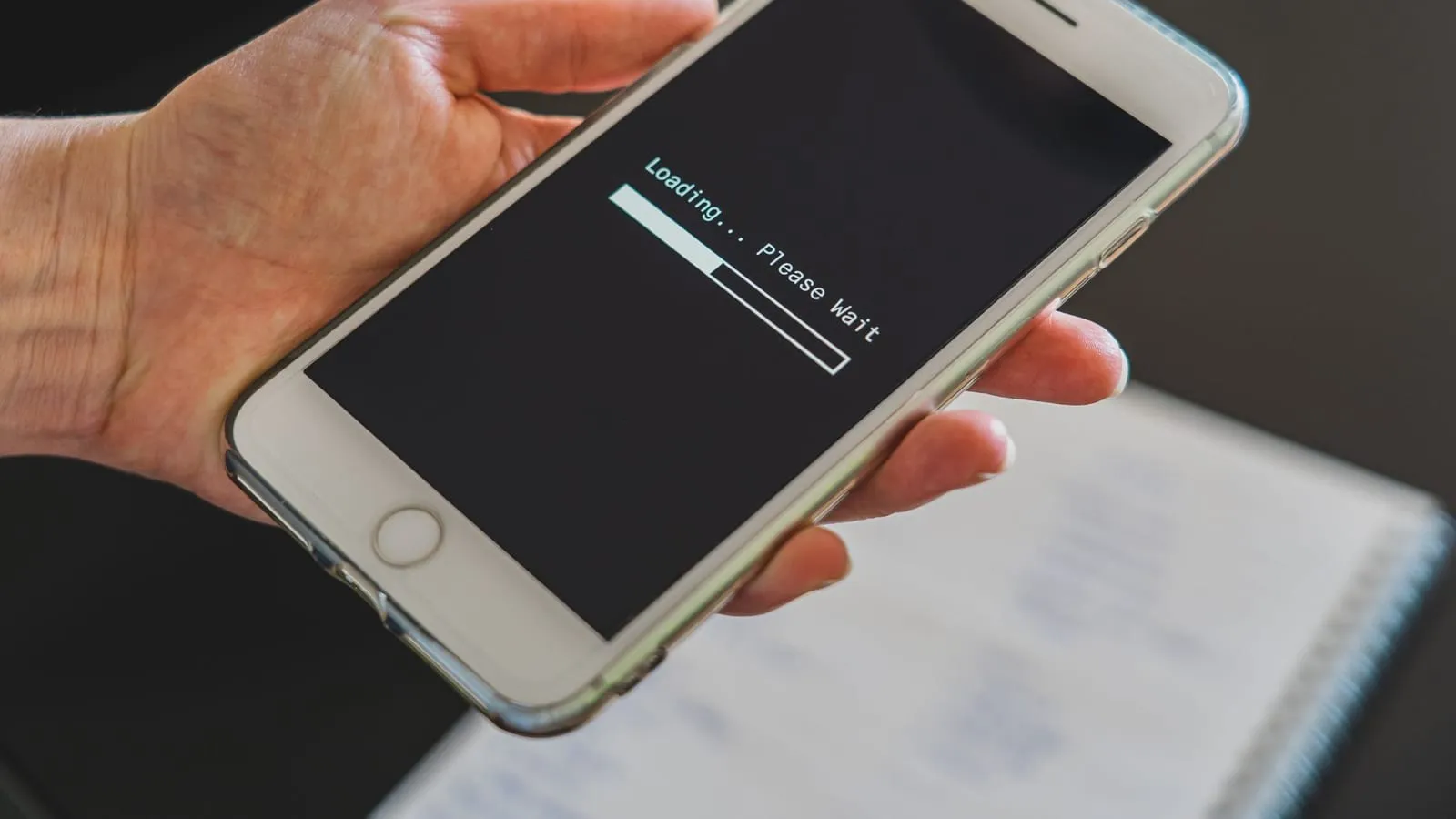
If your phone feels sluggish, you’re not alone. Many factors can contribute to why your phone is so slow, from simple issues like a full storage drive to more complex problems like an aging battery or malware. Understanding these common causes can help you identify the problem and take steps to improve your device’s performance. Often, a few simple adjustments can make a big difference in how quickly your phone responds.
Storage and Memory Issues
Phones work best when there’s free storage for temporary system files and cached data. If your storage space gets too low, it can interfere with background processes, making your device sluggish. Your phone will often tell you when storage is nearly full. For smooth performance, aim to keep at least 10 to 20 percent of your storage free. On an iPhone or iPad, it’s recommended to have at least 1 GB of free space. For example, if your phone has 64 GB of storage, try to keep 6.4 GB to 12.8 GB free.
These apps use your phone’s short-term memory (RAM) and processing power (CPU). An overloaded cache from your web browser or social media apps can also clog storage and slow down Android devices. While iOS and iPadOS automatically manage storage by removing unneeded files during tasks like app updates, it’s still a good idea to keep an eye on your storage. You can find more tips on how to manage your storage in our guide on How to Free Up Storage on Your Phone.
Software and Network Problems
Sometimes, your phone’s performance problems come from its software or network connection. An outdated operating system can lead to bugs and slow down your device. Keeping your phone’s software updated helps it run smoothly.
A slow internet connection also makes apps and browsing feel sluggish on both Android and iPhone devices. This can happen even if your phone itself is fast. If you suspect your internet is the problem, you can check its speed. How to Check Your Internet Speed and Understand the Results
Malware or viruses can also affect your phone’s speed. These harmful programs use your phone’s resources and change settings, making the device slow or unpredictable.
For Android users, certain settings can also impact performance. If you have many apps with auto-sync, location access, or background data transfers enabled, it can slow down your phone. Reviewing and adjusting these settings can help improve speed.
Battery and Hardware Limitations
All rechargeable batteries naturally become less effective as they get older. This chemical aging reduces their overall capacity and how well they perform at their best.
Other hardware problems can also affect your phone’s speed. For instance, if your phone’s RAM (Random Access Memory) is failing, it can cause slow performance. A defective CPU or other hardware issues can also contribute to a sluggish device.
Sometimes, environmental factors play a role. An iPhone or iPad might run slower if it becomes too hot or too cold. A touch screen that does not respond correctly can also make your device feel slow.
It is common for phones to get slower over time. This happens because newer apps and operating system updates often require more processing power than older phone models can easily provide. For Apple devices, iOS can show you your battery’s health and suggest if it needs replacing. If you are having problems with your phone’s performance, you might want to consider how to free up storage on your phone.
Quick Fixes for a Slow Phone
You can often improve your phone’s speed with a few quick actions. Start by restarting your device. This simple step can often resolve temporary slowdowns and improve overall performance.
Another effective method is to clear out unnecessary data. Deleting apps you no longer use, old photos, or videos can free up significant storage space. Closing apps that are running in the background but not actively being used also helps. This frees up your phone’s temporary memory (RAM) and processing power.
Keeping your phone’s software up to date is also important. Updating your operating system can bring performance improvements and bug fixes that make your phone run faster.
If you use an iPhone and have Low Power Mode enabled, be aware that it can affect performance. This mode saves battery by reducing power consumption, which might slow down some features or disable them entirely.
How to Free Up Storage and Manage Apps
Clearing storage and managing your apps can help your phone run faster. Here are some steps you can take on both iPhones and Android devices.
-
Remove unused apps. Deleting apps you no longer use frees up space. On an iPhone, press and hold the app icon on your home screen, then tap ‘Remove App’. Android users can uninstall apps by going to Settings > Apps, selecting the app, and tapping ‘Uninstall’.
-
Offload iPhone apps. If you want to free up space but keep an app’s data, you can offload it. Go to Settings > General > iPhone Storage to do this. This removes the app itself but saves your documents and data for when you reinstall it.
-
Clear app cache on Android. Many apps store temporary files in a cache, which can take up significant space over time. You can clear an app’s cache by going to Settings > Apps > [App] > Storage > Clear Cache. This can help improve the app’s performance and free up storage.
-
Manage photos and videos. These files often consume the most storage. On an iPhone, enable ‘Optimize iPhone Storage’ in Settings > Photos. This keeps smaller versions on your phone while storing full-size files in iCloud. Android users can back up photos and videos to cloud services like Google Photos or move them to an SD card to free up local storage.
-
Close background apps. While it might seem helpful, force closing apps unnecessarily can slow down your device because reloading all data when you reopen them takes longer. However, if an app is misbehaving, closing it can help. On iPhone, swipe up from the bottom of the screen (or double-click the Home button) to open the app switcher, then swipe up on the app’s preview to close it. Android users can tap ‘Recent apps’ (or swipe up and hold), then swipe away unwanted apps or tap ‘Close all’.
Related reading on Infotero: Why Your Phone Battery is Draining Fast and How to Fix It and Why Android Apps Keep Crashing and How to Fix Them.
Frequently asked questions
Does a full phone slow it down?
Yes, having too many photos, videos, and apps can consume a phone's memory and reduce its processing power, leading to slower performance. Phones perform best when they have free storage space available for temporary system files and cached data.
Can an old battery make my phone slow?
Yes, a faulty or aging battery can contribute to a phone running slowly. All rechargeable batteries lose effectiveness as they chemically age, diminishing their capacity and peak performance over time.
Does closing apps help speed up my phone?
Closing unused apps can free up RAM (short-term memory) and processing power, which can help improve your phone's speed. However, force closing apps unnecessarily can sometimes slow down a device because reloading all data when reopening takes longer.
How much free storage should I keep on my phone?
Phones perform best when they have free storage space available. It is recommended to maintain at least 1 GB of free space on an iPhone or iPad, and keeping at least 10-20% of total storage free can help any device run smoothly.
Sources
Facts in this article were checked against these sources. Spotted an error? Report a correction.
- 1
- 2Speed up a slow Android device - Android Helpsupport.google.com
- 3
- 4Why Is My Phone So Slow? + Quick Fixes for Android & iPhonebitdefender.com
- 5
- 6If your iPhone or iPad is running slow - Apple Supportsupport.apple.com