
Guide
Internet and Wi-Fi Guide: Speed, Routers and Fixes
Slow or unreliable internet is usually fixable at home. These explainers show you how to measure your connection, what the numbers mean and what to try before calling your provider.
- 3 explainers
- About 15 min of reading
- Fact checked
- Updated November 9, 2026
- Read the full explainer
Short answer
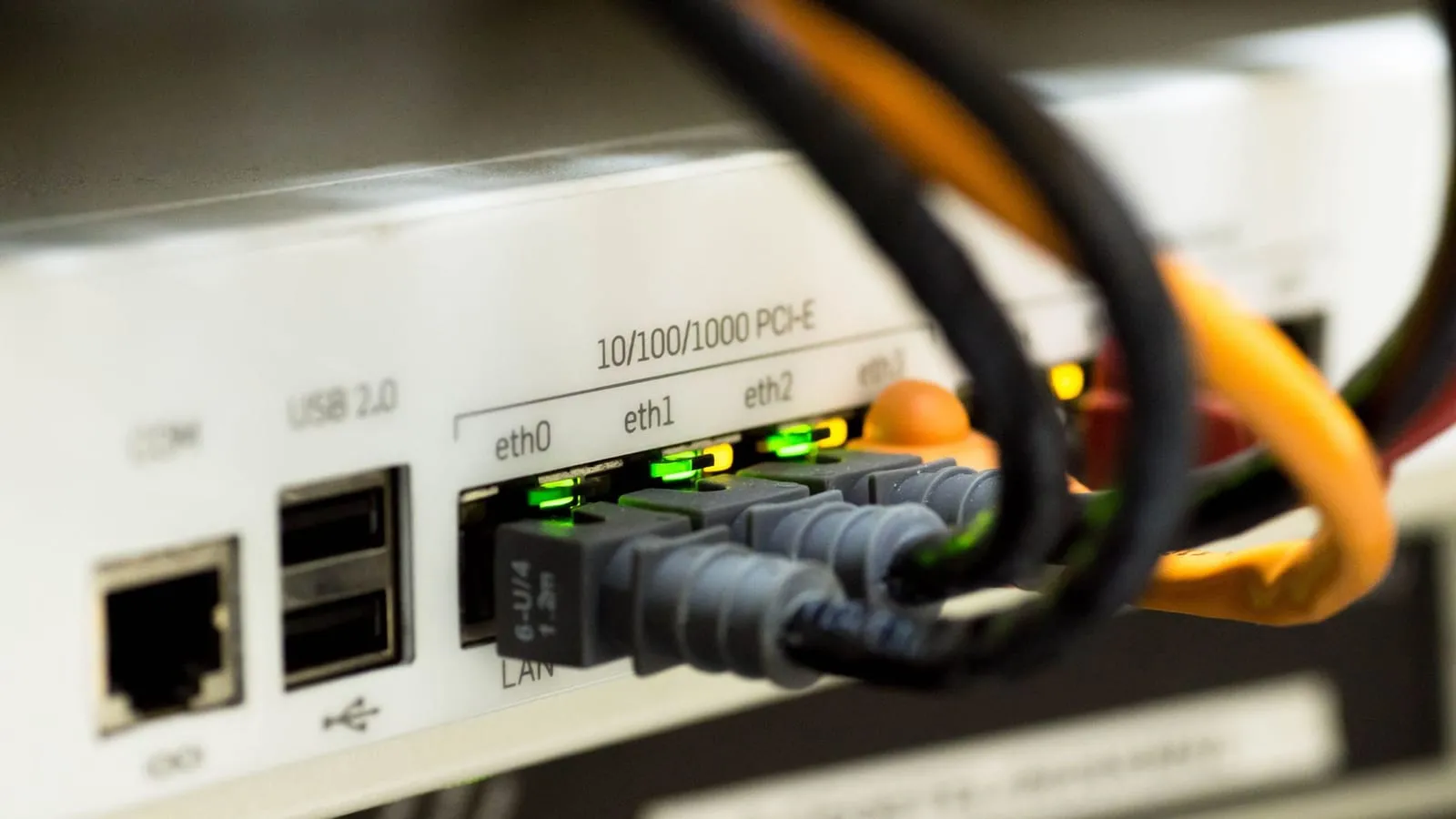
Your router might not be connecting to the internet because of problems in the connection chain from your device to your Internet Service Provider (ISP). This could involve loose cables, a weak Wi-Fi signal, or issues with your modem…
- Read the full explainer
Short answer
A blinking orange light on your router typically means there's a problem with its internet connection. This could be due to a service outage, a hardware issue, or the router actively trying to establish a connection. The exact meaning…
- Read the full explainer
Short answer
You can check your internet speed using reliable online tools like Speedtest.net or Google's Internet speed test, which measure download speed, upload speed, and ping to show your connection's performance.

More guides
Every explainer is checked against the sources listed at its end. How we work.