
 How To Guides
Why Is Only One of My AirPods Working?
If only one of your AirPods is working, it's often due to simple connectivity issues, low battery, or debris.
Simple, step by step answers for practical, everyday tasks.
12 articles on this page
How To GuidesIf only one of your AirPods is working, it's often due to simple connectivity issues, low battery, or debris.
 How To Guides
Your router might not be connecting to the internet due to issues with the physical connection, Wi-Fi signal problems, or network settings.
 How To Guides
Android Auto disconnections are often caused by USB cable issues, software problems, battery settings, or wireless interference. Learn how to fix them.
 How To Guides
iPhone Personal Hotspot not working or not showing up? Check these settings first, then try the fixes that get your laptop or tablet online again.
 How To Guides
Learn how to turn off your iPhone using physical buttons, the Settings app, or Control Center, depending on your model and iOS version.
 How To Guides
If your iPhone isn't ringing when someone calls, it could be due to silent mode, Do Not Disturb, Focus modes, or blocked numbers.
 How To Guides
An orange light on your router or modem usually means it has no internet connection. Learn what blinking and solid orange mean and how to fix it.
 How To Guides
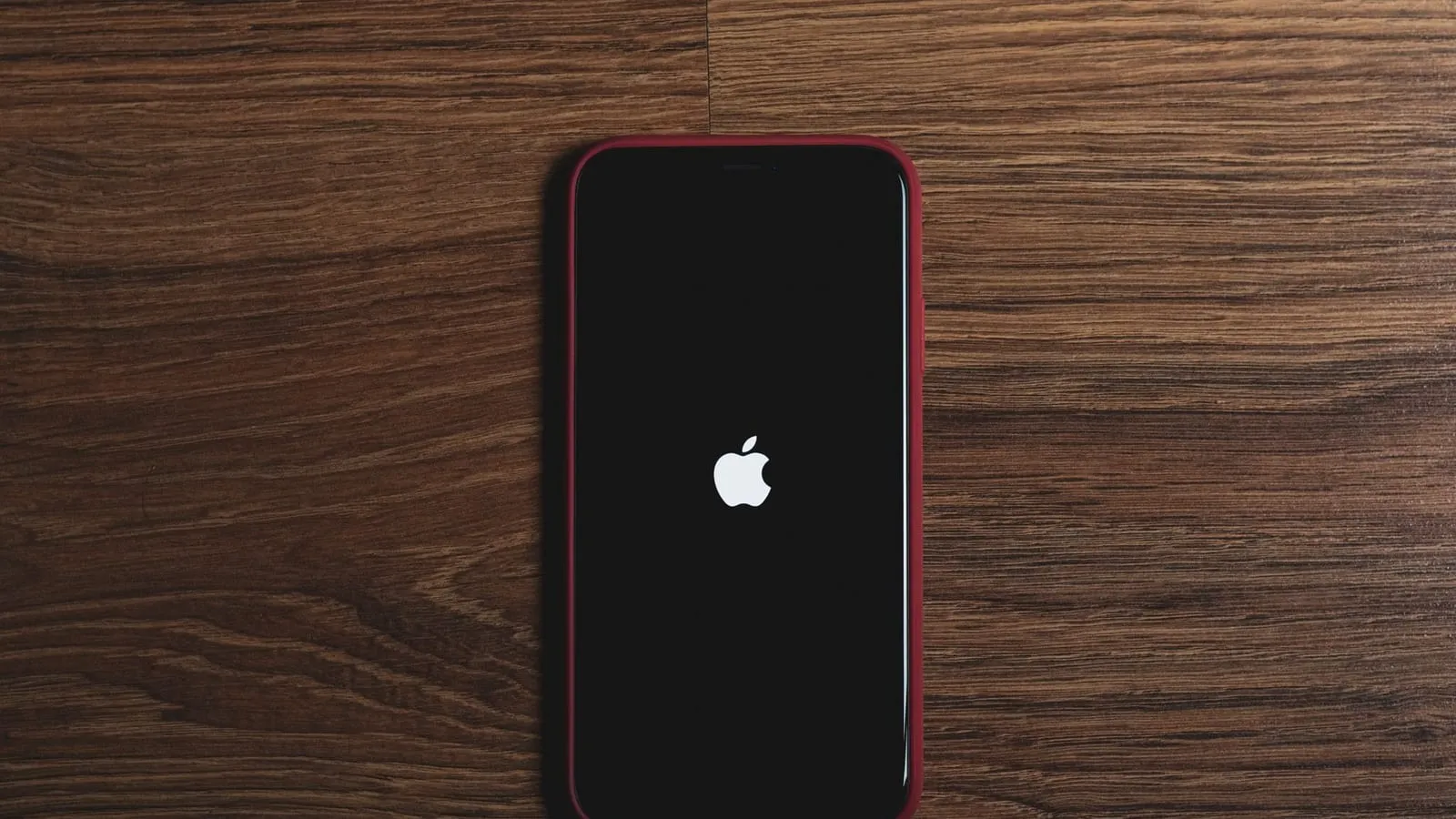
If your iPhone is stuck on the Apple logo, you can often fix it by performing a force restart or by putting it into recovery mode.
 How To Guides
Android Auto issues often stem from cable problems, incompatible devices, or incorrect settings. Learn how to troubleshoot common connection failures.
 How To Guides
Learn how to stop pop-up ads on your phone, whether they appear in your browser or from third-party apps. This guide covers Android and Chrome settings.
 How To Guides
Battery drain, strange pop-ups and apps you didn't install can mean malware. Learn how to check your Android phone or iPhone for a virus and remove it.
 How To Guides
Running out of space on your iPhone? Learn how to free up storage by managing photos, offloading apps, clearing caches, and optimizing settings.